Instant Messaging (IM)
136
Instant Message Inbox/Outbox
The IM Inbox contains a list of all incoming and outgoing Instant
Messages. You can filter the IM list to track a series of correspondence to
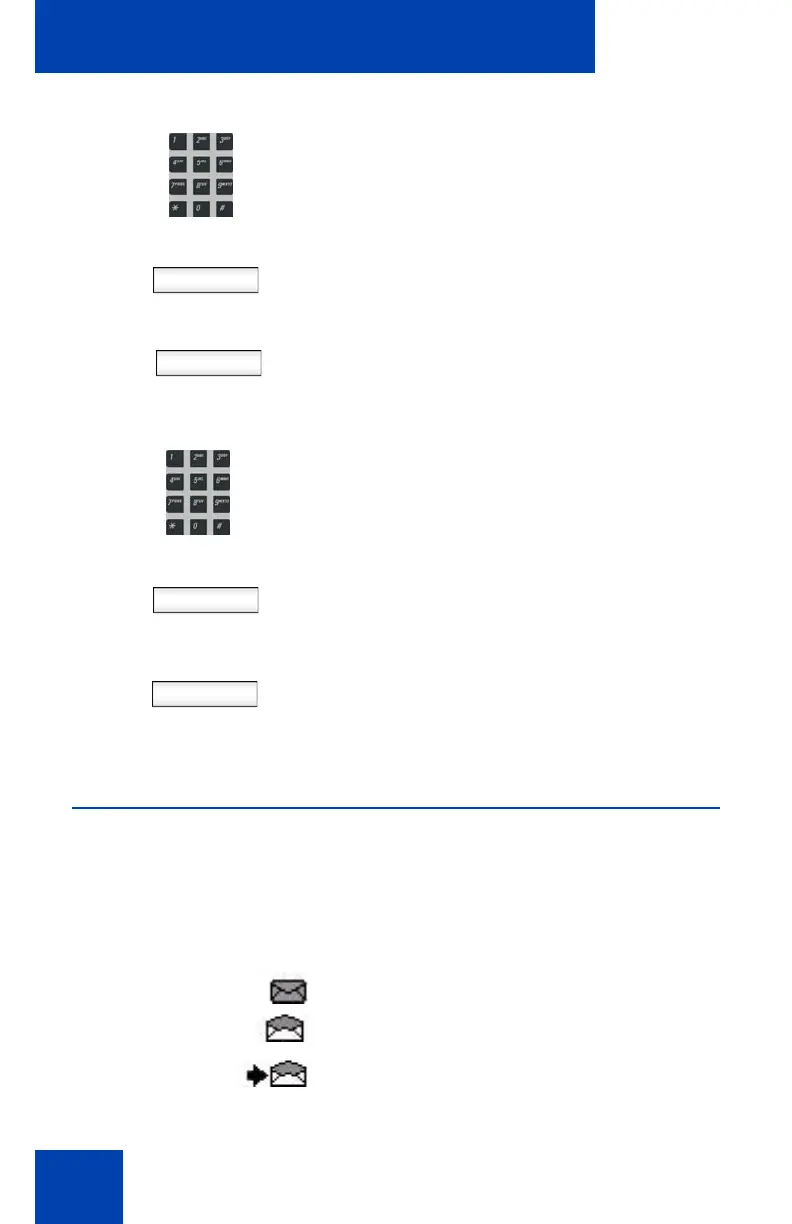
a contact. The lit blue LED indicates the arrival of a new IM. An icon
indicates the status of the IMs in your Instant Message Inbox/Outbox as
follows:
• Unread -
• Read -
• Replied to -
• Sent - No icon
Next
Back
2. Use the dialpad to enter the address of
the contact.
3. Press the Next Context-sensitive soft
key to continue.
or
Press the Back Context-sensitive soft
key to return to the previous menu.
Send
Back
4. Use the dialpad to enter the content of
the message
5. Press the Send Context-sensitive soft
key to send the IM to the contact.
or
Press the Back Context-sensitive soft
key to return to the previous menu
without sending the new IM.

















 To Next Page