Making a call
79
Making a call using off-hook dialing
Off-hook dialing
Chad
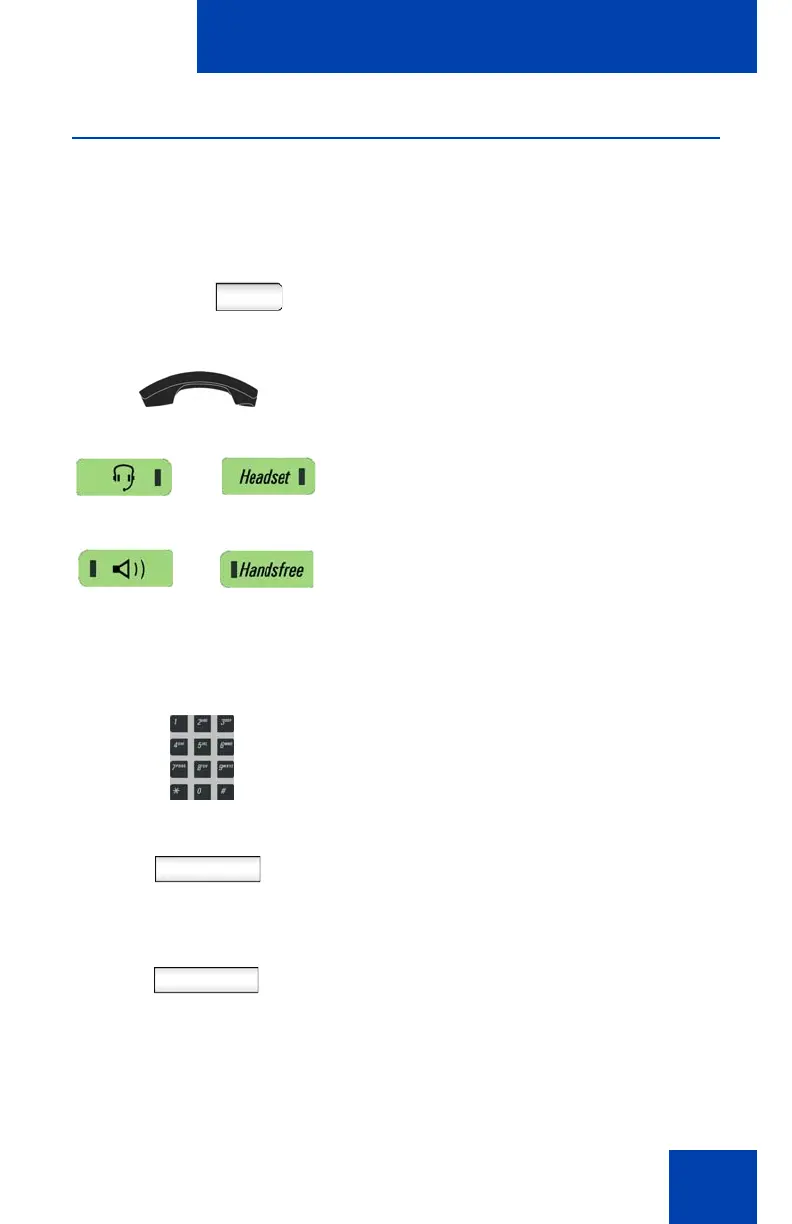
1. Make a call using one of the following
off-hook dialing methods:
— Pressing the Line feature key
— Lifting the handset
— Pressing the Headset fixed key
— Pressing the Handsfree fixed key
The phone produces a dial tone.
abc
2. Enter the phone number or SIP address
by:
— Using the dialpad
Note: The abc/123 Context-sensitive
soft key toggles between alphabetic and
numeric input.
Redial
— Press the Redial Context-sensitive
soft key to dial the last dialed
number.
Note: The Redial Context-sensitive soft
key only appears if a number or address
was previously entered.

















 To Next Page