While on an active call
142
Initiating a call using the Action Context-sensitive
soft key
Using the Action Context-sensitive soft key to initiate a call:
Call Waiting
While you are on an active call and you receive an incoming call. You are
notified of an incoming call by a message on the LCD screen and a
notifying beep. Answering the new call places the active call on hold you
can also redirect the new call, decline the new call, or ignore the new call.
(See, “Receiving a call” on page 90.)
Action
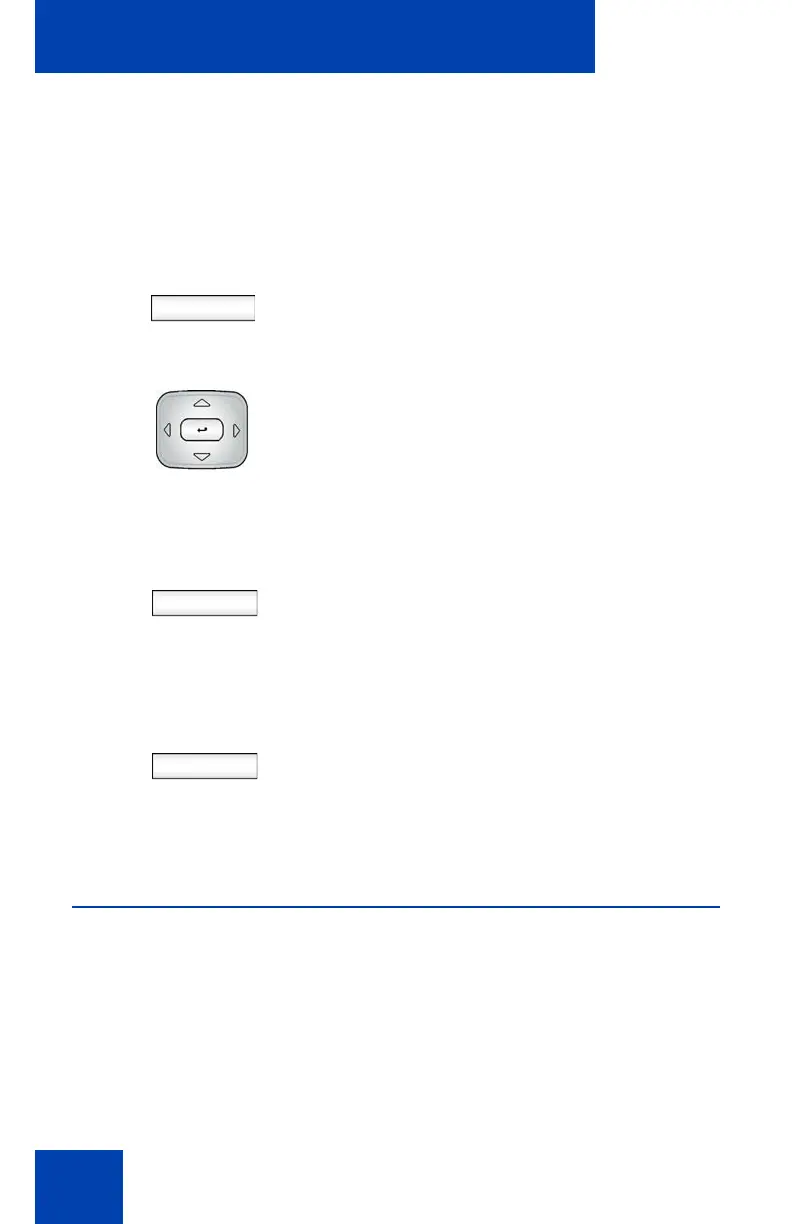
1. Press the Action Context-sensitive soft
key while on a call to access the Action
menu.
1. Press the Up/Down navigation key to
highlight New Call from the menu.
Select
Back
2. Do one of the following:
— Press the Select Context-sensitive
soft key to initiate a new call.
Note: This places the current call on
hold, if it is not already on hold, and you
continue to initiate the call as normal.
— Press the Back Context-sensitive
soft key to return to the in-call
screen.

















 To Next Page