Additional features
155
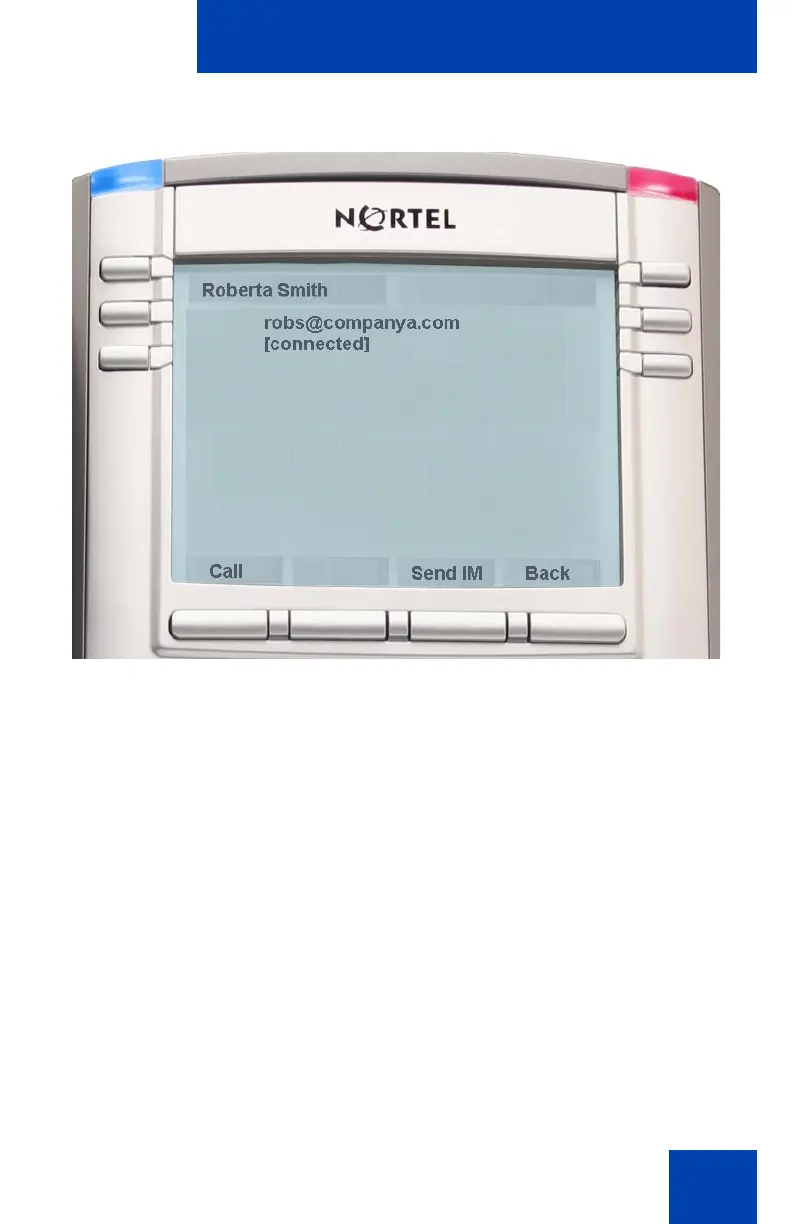
Figure 24: Presence Status of a Friend
Accessing your Friends list
To access your Friends list, press the Directory fixed key and press the
Friends Context-sensitive soft key or press the View Context-sensitive
soft key, and select Friends from the menu. You can also access your
Friends list by pressing the Friends Context-sensitive soft key while
viewing the Address Book.

















 To Next Page