Connecting the components
32
Connecting the components of the phone
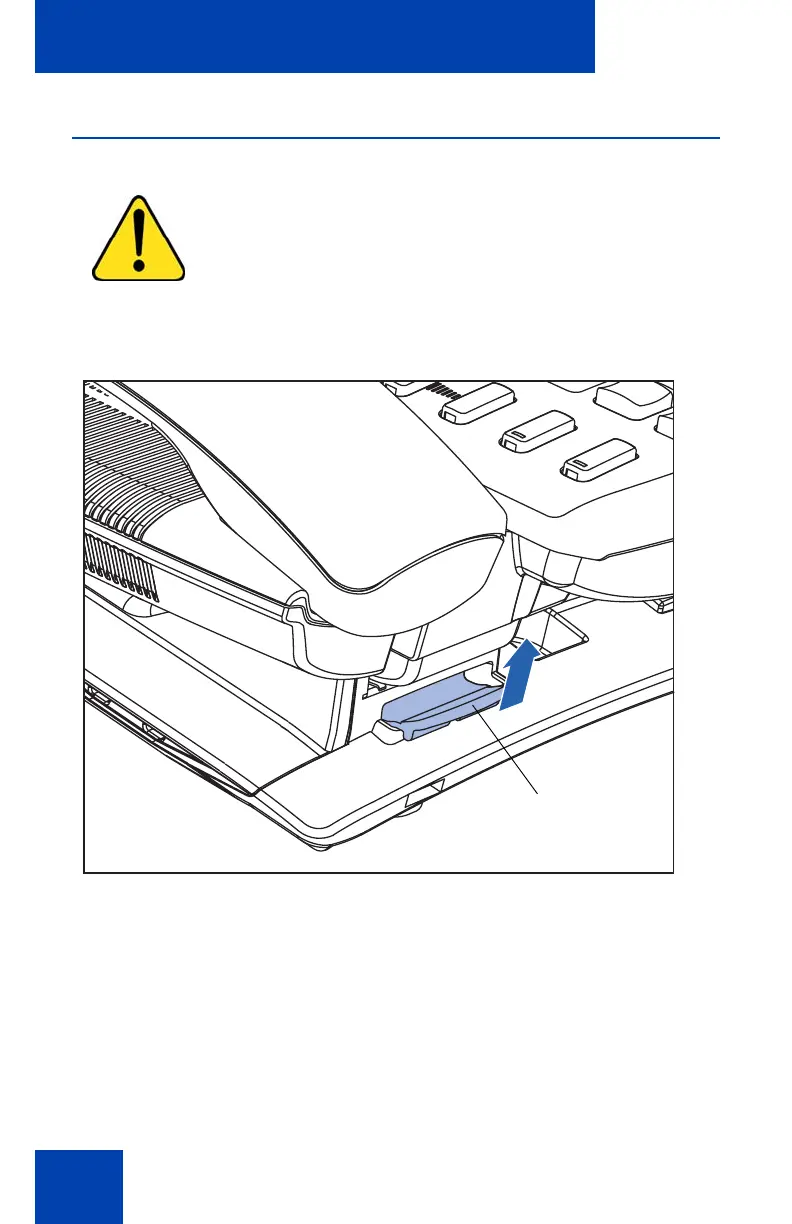
Figure 7: Wall-mount lever
1. Remove the stand cover. Pull upward on the center catch as
indicated in Figure 8, and remove the stand cover. The cable routing
tracks are now accessible.
WARNING Your IP Phone 1140E is shipped with the
base locked in position. To avoid damaging your phone,
press the wall-mount lever, located just under the
Handsfree key as indicated in Figure 7 on page 32, to
release the base and pull it away from the phone.
Wall-mount lever

















 To Next Page