Accessing the IP Phone 1140E
50
Setting the duration of the login
When you enter your login and password the Duration screen appears.
You enter the maximum length of time of this session. The default
duration is “Permanent” and you remain logged into the phone until you
log out.
To set the login duration:
Next
Timed
Cancel
1. Choose one of the following:
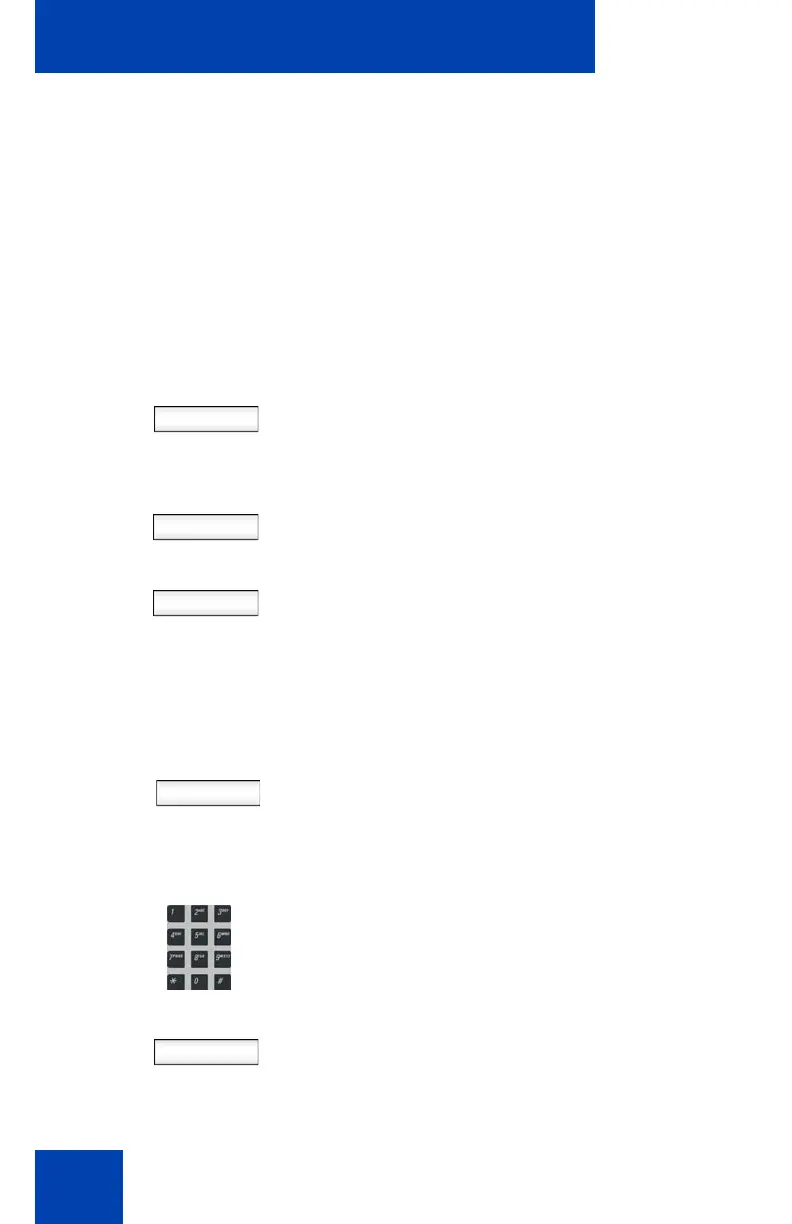
— Press the Next Context-sensitive
soft key to set login duration to
permanent. A login confirmation
screen appears.
— Press the Timed Context-sensitive
soft key to open a screen to set a
maximum time to remain logged in.
— Press the Cancel Context-sensitive
soft key to return to the previous
login screen.
Period
If you press the Timed Context-sensitive soft
key, you then must set the duration of the
login.
To toggle the login duration entries between
hours or days press the Period Context-
sensitive soft key.
Next
2. Do one of the following:
— Use the dialpad to enter the number
of hours or days you want to remain
logged in and press the Next
Context-sensitive soft key

















 To Next Page