Making a call
82
Using handsfree calling
While on an active call, you can switch between handset and handsfree
mode.
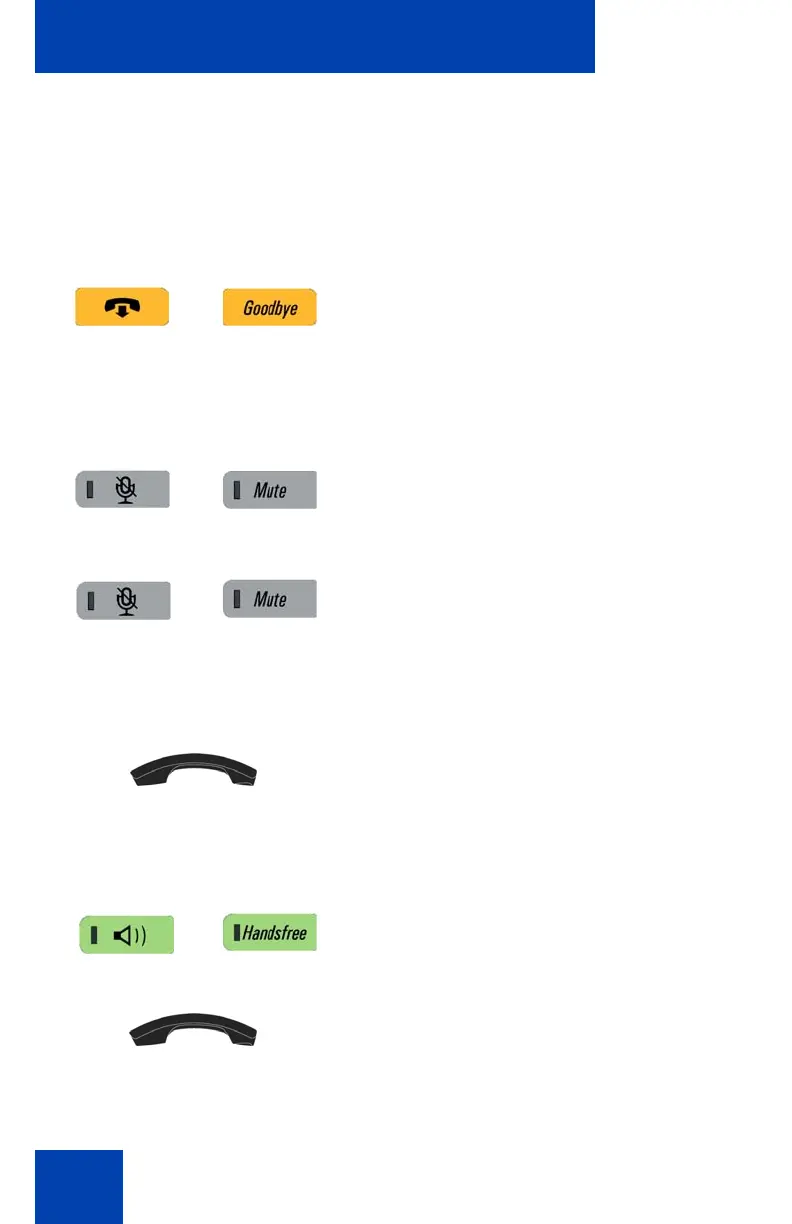
To discontinue a handsfree call:
To mute a handsfree call:
To switch from handsfree to handset mode:
To switch from handset mode to handsfree mode:
Press the Goodbye key
1. Press the Mute key. The LED indicator
lights.
2. Press the Mute key again to return to a
two-way handsfree conversation.
Lift the handset.
1. Press the Handsfree key. The LED
indicator lights with a solid red light.
2. Replace the handset.

















 To Next Page