Receiving a call
97
Managing Call Decline Reasons
You can create Call Decline Reasons that you can access when you want
to decline an incoming call. To create a Call Decline Reason press the
Prefs Context-sensitive soft key, select Feature Options, and choose
Call Decline Reasons from the menu. You can edit and delete Call
Decline Reasons from the list of Call Decline Reasons you create.
To create a Call Decline Reason:
To delete a Call Decline Reason:
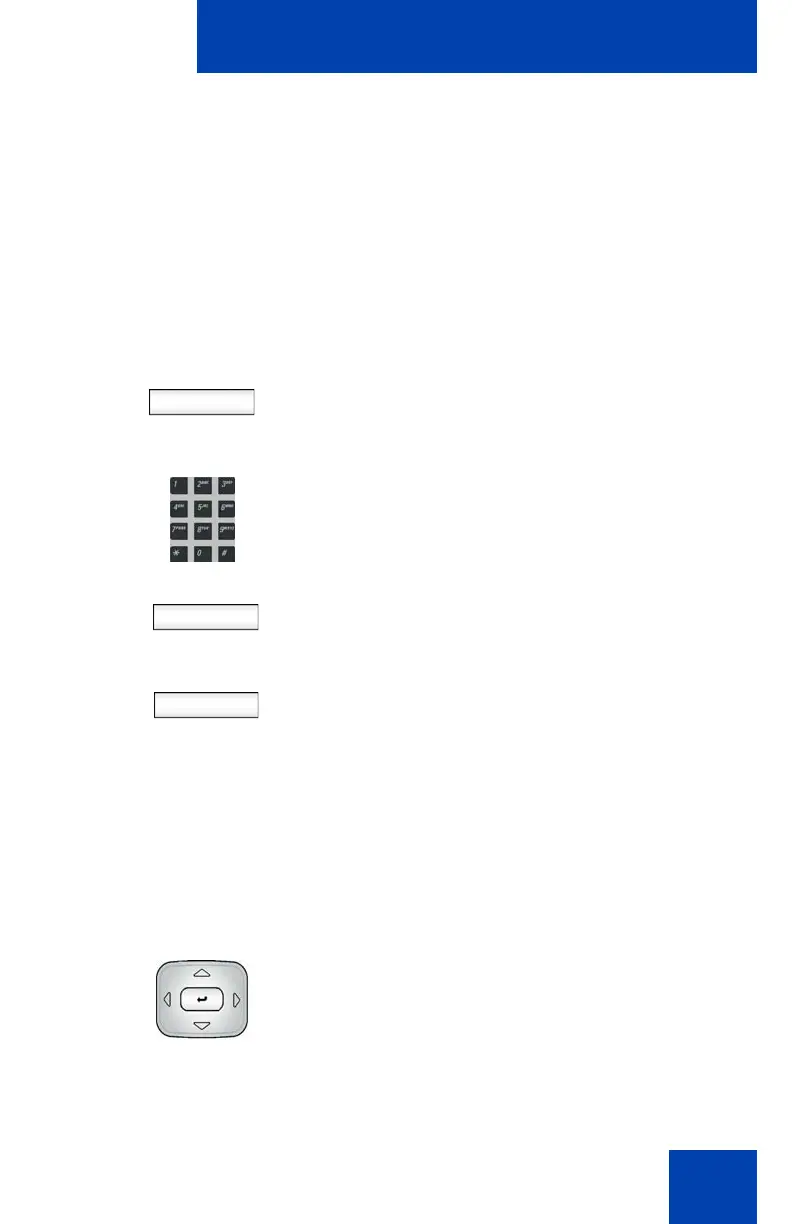
Add 1. Press the Add Context-sensitive soft key
to add a new Call Decline Reason to the
list of available Call Decline Reasons.
Save
Back
2. Use the dialpad to enter the new Call
Decline Reason for the contact.
3. Press the Save Context-sensitive soft
key to save the new Call Decline
Reason.
or
Press the Back Context-sensitive soft
key to return to the previous menu
without saving the new Call Decline
Reason.
Note: The IP Phone 1140E saves the
new Call Decline Reason to the list of
Call Decline Reasons for later use.
1. Press the Up/Down navigation key to
scroll through and highlight the Call
Decline Reason to delete.

















 To Next Page