Accessing the IP Phone 1140E
55
Logging out from the IP Phone 1140E
To logoff from the IP Phone 1140E, either press the Servcs Context-
sensitive soft key or the Services fixed key, select System, and select
Logout from the menu.
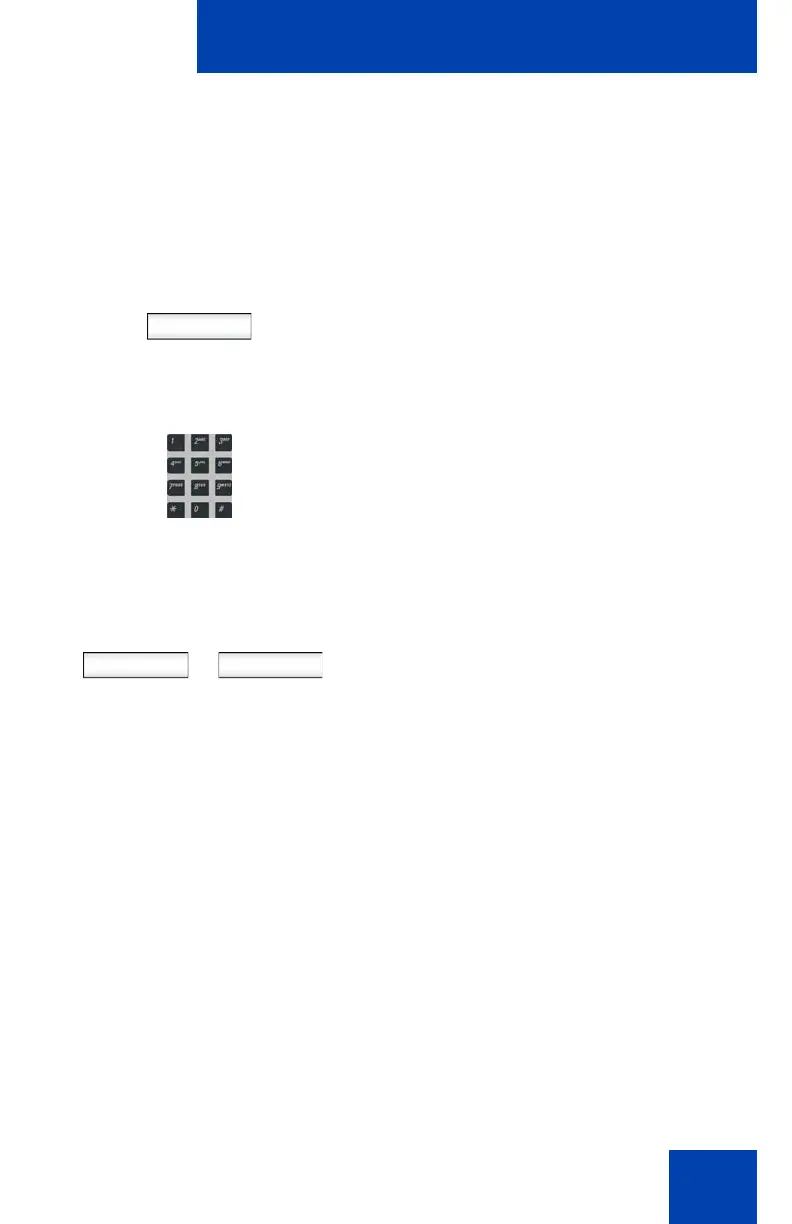
To Log out from the IP Phone 1140E:
abc
1. Press the abc/123 Context-sensitive soft
key to toggle between alphabetic or
numeric input.
2. Use the dialpad to enter your password
at the prompt.
Press the Logout Context-sensitive soft key
to complete the logout process. The phone
returns to the User Login screen.
or
Press the Back Context-sensitive soft key to
remain logged on and return to the Services
menu.
or
Logout Back

















 To Next Page