Making a call
83
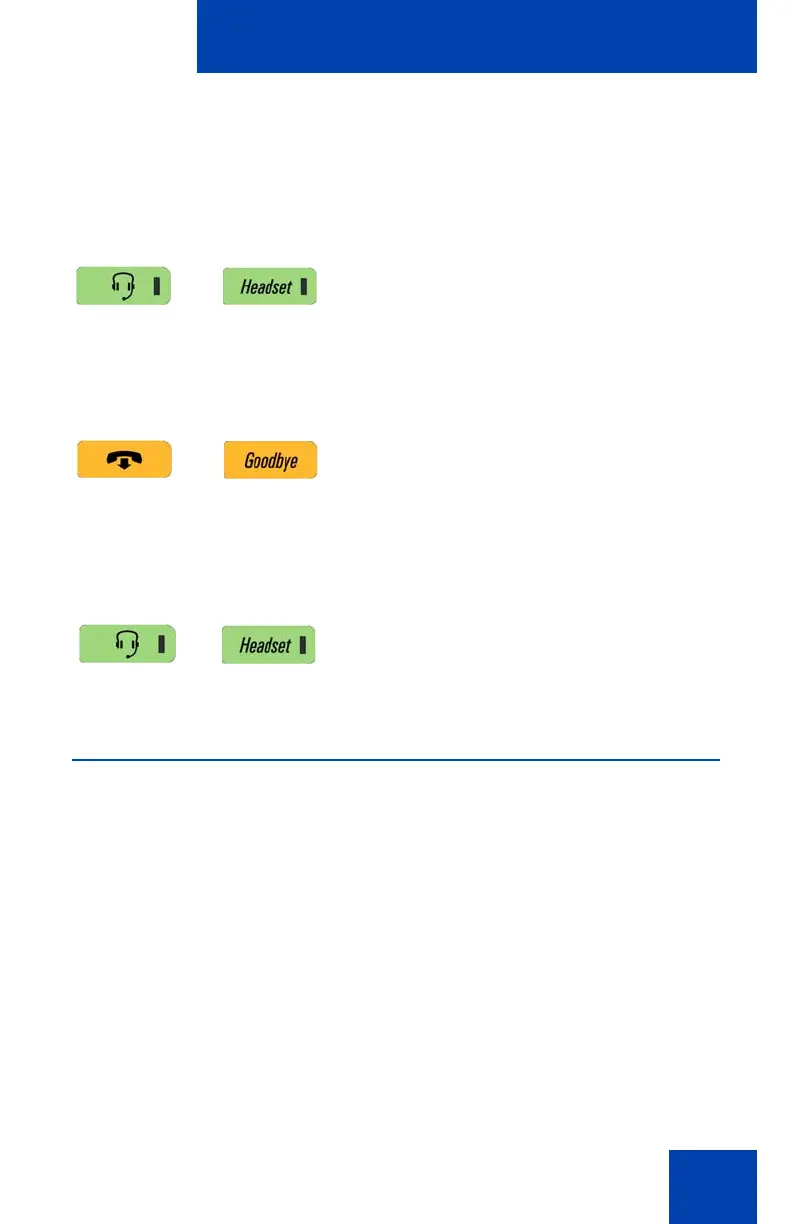
To use a headset:
To switch from handsfree to headset:
Using Call Subjects
You have the option of sending a Call Subject when you initiate a call to a
contact. You use this feature to indicate to the contact the reason for the
call. The contact’s phone displays a message, such as “Weekly report
call” or “Daily status” when the contact receives the call. You can select a
subject from a list you have created (See “Managing Call Subjects” on
page 87) or create a new subject.
Anytime you initiate a call using off-hook dialing, the Subject Context-
sensitive soft key appears as an option to use. You select a Call Subject
from a list or create a new Call Subject to send.
1. Connect the headset to the headset jack
or the handset jack.
2. Press the Headset key. The LED
indicator lights.
If you have a Bluetooth wireless technology
headset installed, you can activate it by
pressing the button on the headset.
Note: To release a Call, press the phone
Goodbye key or press the button on the
wireless headset, if equipped.
1. Press the Headset key. The LED
indicator lights.

















 To Next Page