Accessing the IP Phone 1140E
49
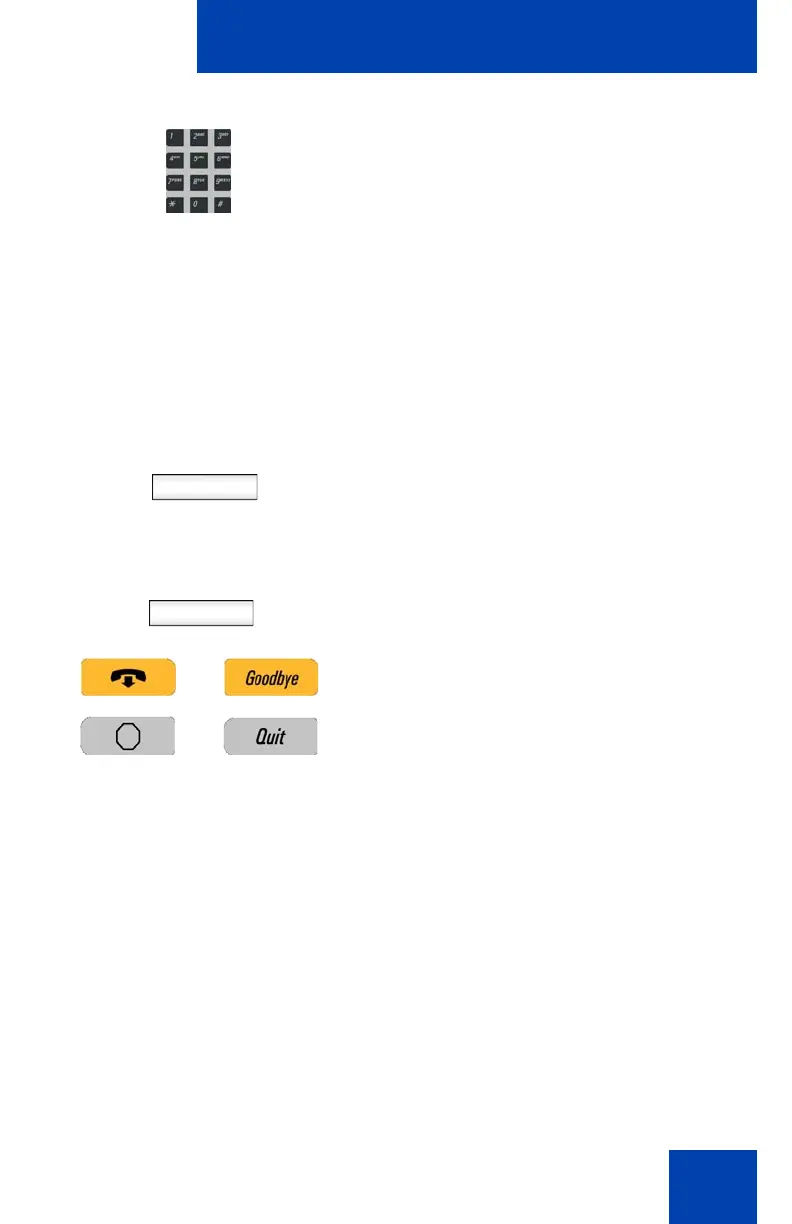
4. Use the dialpad to enter your password.
Note 1: When you enter your password,
the last character entered appears.
However, all previous characters are
hidden.
Note 2: When you enter your password
and you use the navigation key to
backspace, you erase all the characters
and must completely re-enter your
password again.
5. Press the Next Context-sensitive soft
key.
Cancel
Note: You can cancel the login process
by pressing one of the following keys:
—The Cancel Context-sensitive soft
key
—The Goodbye fixed key
—The Quit fixed keys
Next

















 To Next Page