Advance system features
191
6. Choose one of the following:
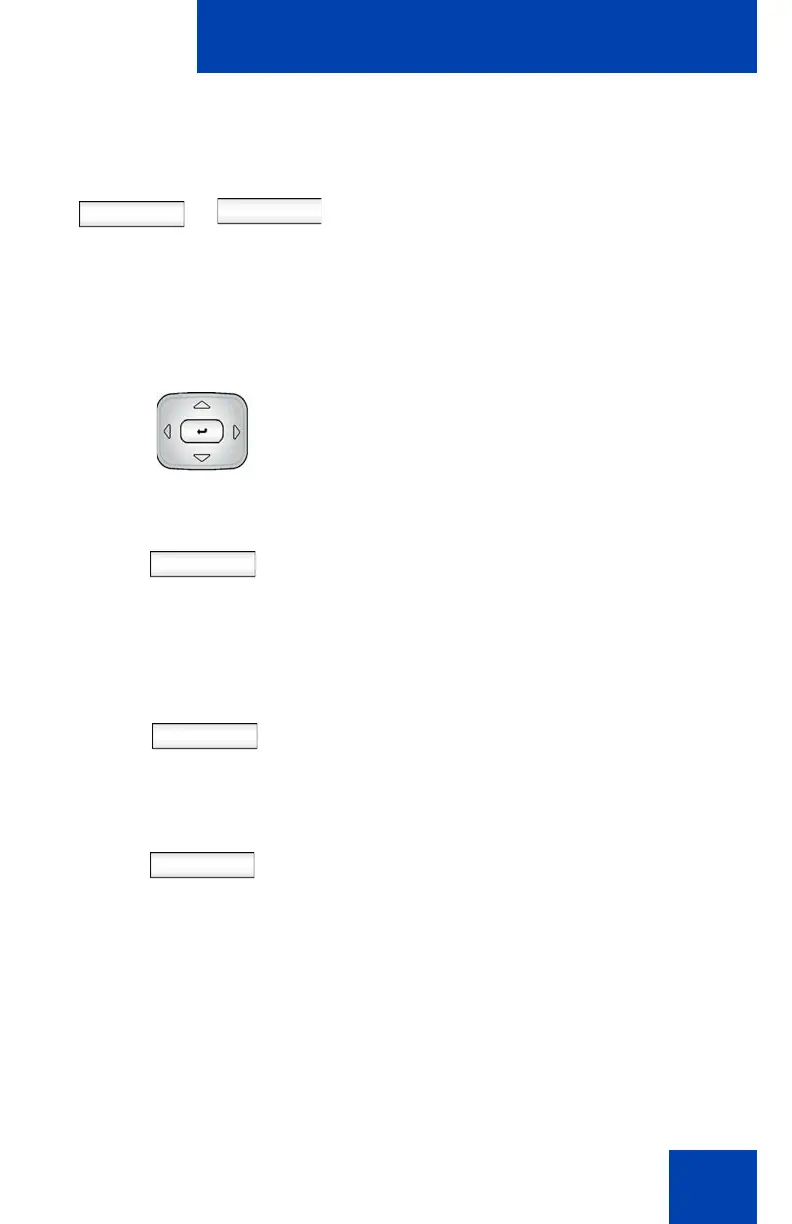
— Press the Domains Context-
sensitive soft key to change the
current domain.
— Press the Done Context-sensitive
soft key to keep existing
configurations and return to the User
Login screen.
7. Press the Up/Down navigation key to
highlight the new domain you want to
use.
Select
Back
8. Choose one of the following:
— Press the Select Context-sensitive
soft key to change the domain to the
highlighted domain from the list. The
phone returns to the Current Domain
display screen and the new domain
appears.
— Press the Back Context-sensitive
soft key to keep existing
configurations and return to the
Display menu.
Done
9. Press the Done Context-sensitive soft
key to confirm the new Domain and
return to the User Login screen.
10. Log in as you usually do
or
Domains Done

















 To Next Page