Configuring the IP Phone 1140E
63
To adjust the volume of the headset, press the Prefs Context-sensitive
soft key, select Audio, select Voice, and select Headset
To adjust the headset volume:
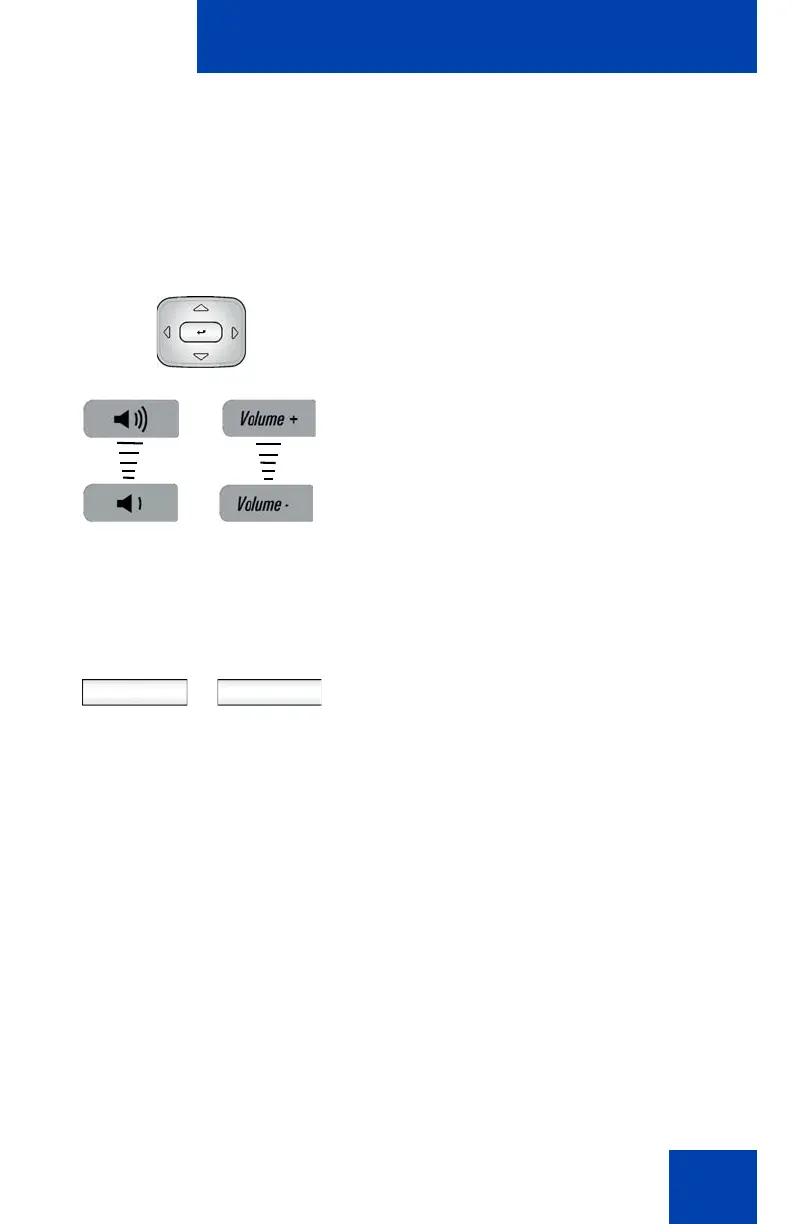
1. To adjust the headset volume use one of
the following methods:
— Press the Left/Right navigation key
to increase or decrease the volume
of the handset.
— Press the Volume + fixed key to
increase handset volume or the
Volume - to decrease the handset
volume.
Note: To adjust the volume during a call,
use only the Volume + and Volume -
fixed keys.
2. Choose one of the following:
— Press the Set Context-sensitive soft
key to set the selected volume and
return to the Voice menu.
— Press the Back Context-sensitive
soft key to keep existing
configurations and return to the
Voice menu.
or
Set Back

















 To Next Page