Configuring the IP Phone 1140E
71
5. When the name of your headset appears
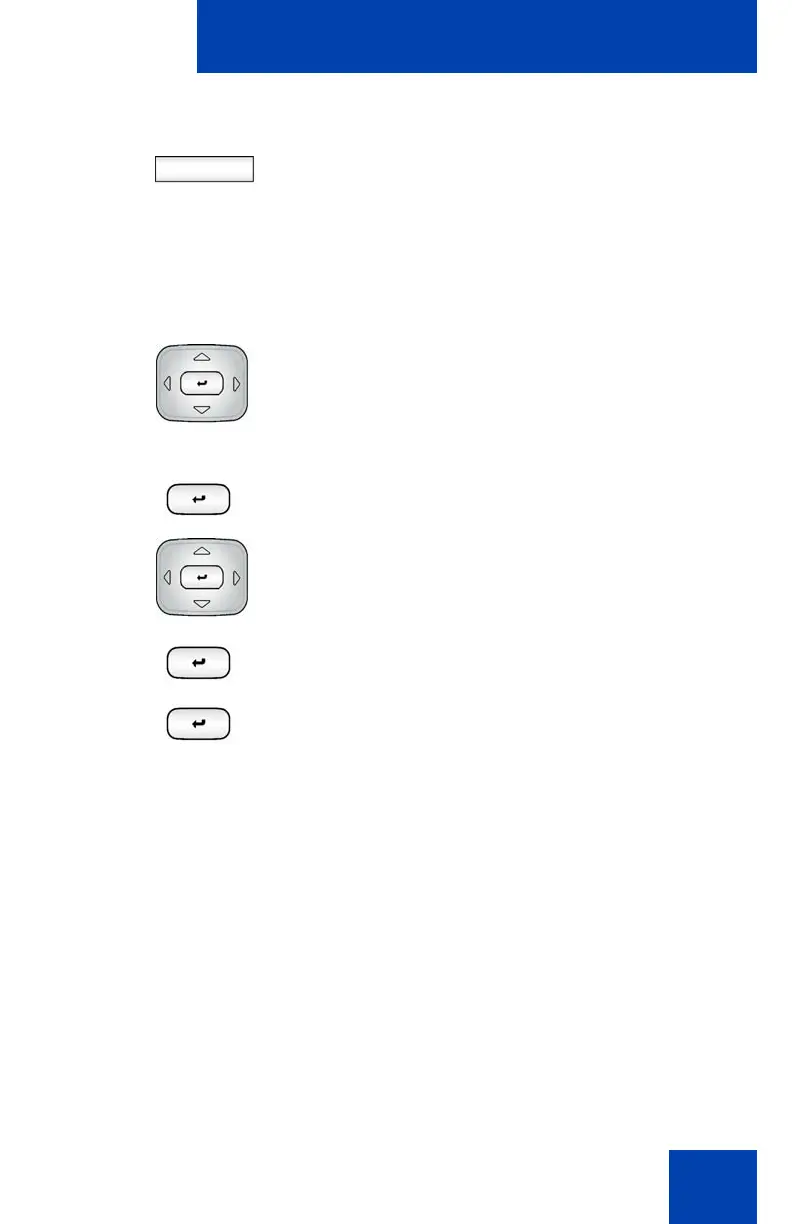
in the Found: box, press the Stop
Context-sensitive soft key or wait for the
search to finish. When the search is
complete, the message "Search
Completed Found Device(s)" appears.
6. Choose one of the following:
• If the name of your headset appears in
the Found: box, proceed to step 8.
• If your headset is not displayed in the
Found: box, select your headset from
the list, as follows:
a. Press the Right navigation key one
or more times to highlight the
Found: box. Press the Select/Set
key to start the edit mode.
b. Press the Down navigation key to
open the Found: list. Press the Up/
Down navigation key to scroll and
highlight your headset.
c. Press the Select/Set key to select
the headset and close the list. Press
the Select/Set key to exit edit mode.
Stop

















 To Next Page