Receiving a call
93
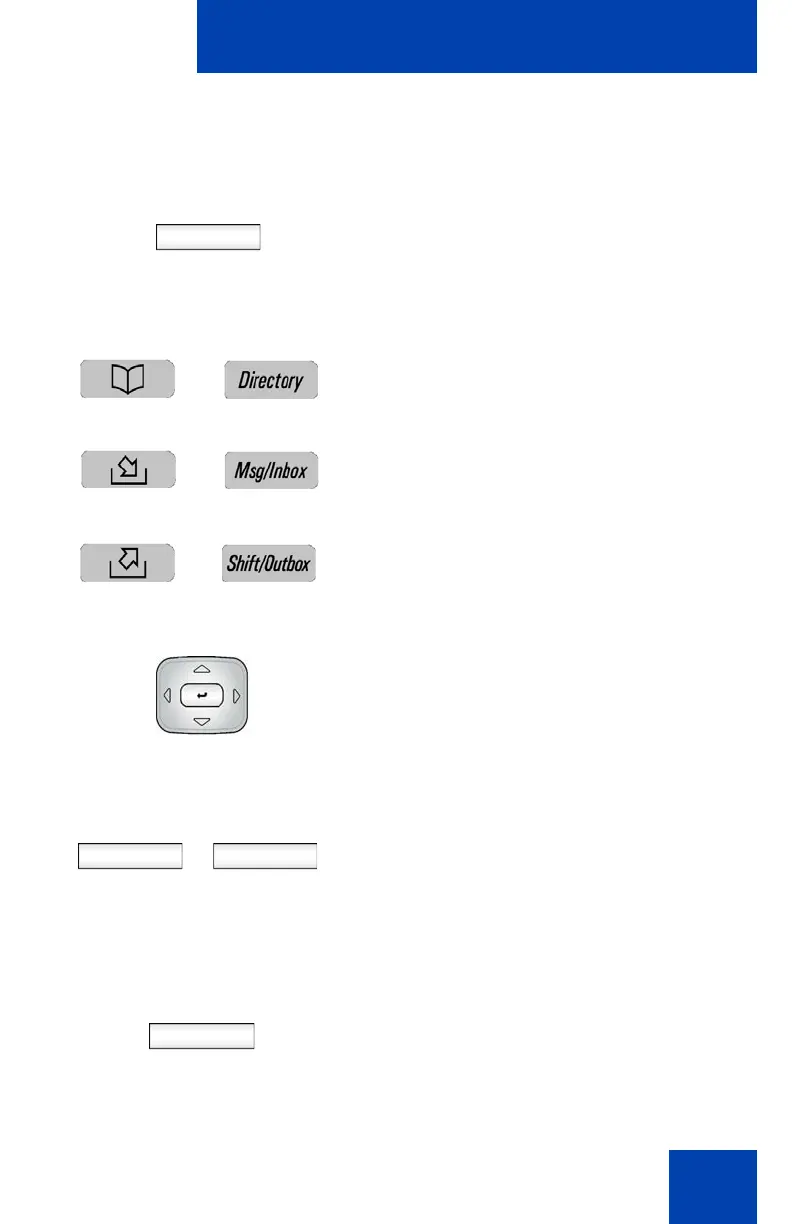
To redirect a call using the Address Book, Call Inbox, or Call
Outbox:
Redrct
1. Press the Redrct Context-sensitive soft
key to redirect an incoming call.
2. To select a SIP address to redirect the
call to, do one of the following:
— Press the Directory fixed key, to
choose a SIP address from the
Address Book.
— Press the Msg/Inbox fixed key, to
choose a SIP address from the Call
Inbox.
—Press the Shift/Outbox fixed key, to
choose a SIP address from the Call
Outbox.
3. Press the Up/Down navigation key to
highlight a contact’s SIP address.
4. Press the Select Context-sensitive soft
key to select the highlighted SIP
address.
or
Press the Back Context-sensitive soft
key to return to the previous screen.
Redrct
5. Press the Redrct Context-sensitive soft
key to redirect the incoming call to the
address selected.
or
Select Back

















 To Next Page