33
Using the sterilizer
5. Using the sterilizer
5.1 Turning the sterilizer on
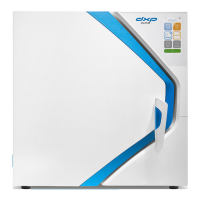
Turn the sterilizer on using the main switch on the right of the device.
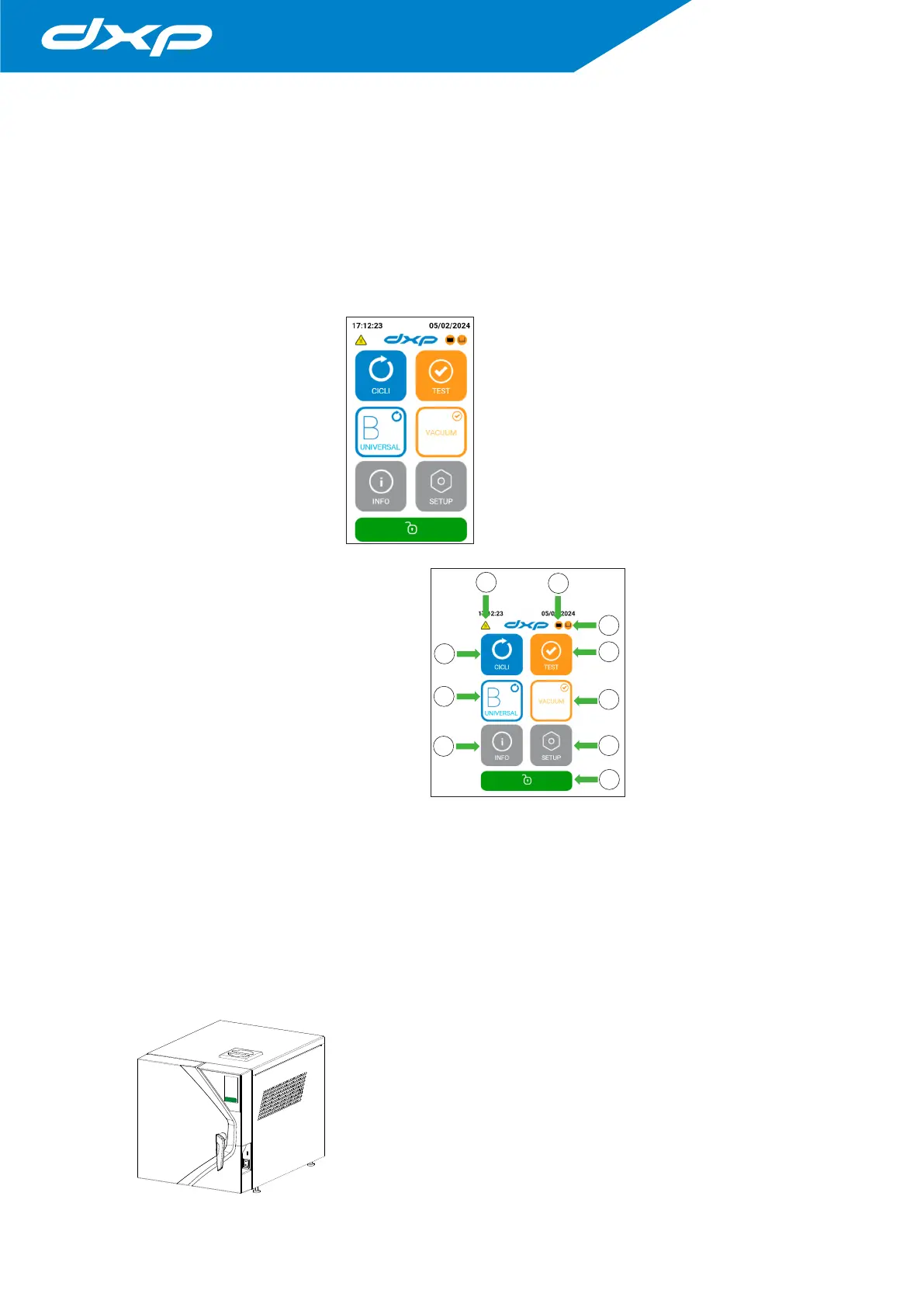
After initialization is complete (see paragraph 4.3 “Initial start-up”) the HOME screen will appear, showing the main
menu setup with buttons.
1. Cycles menu;
2. The B Universal cycle;
3. Device information;
4. Test menu;
5. The Vacuum test;
6. Settings menu;
7. Door Unlock;
8. Hot surfaces;
9. Used water tank full;
10. Fill the clean water tank.
At this point, the sterilizer is ready to start one of the sterilization cycles (described in the following paragraphs).
Arrange the material to be sterilized on the trays, place them in the chamber and close the door.
Check that the water tank is full. Otherwise, top up the main tank with demineralised water up to the level.
5.2 Opening / closing the door
To open the door it is necessary to first unlock it by pressing on the touch panel and then lift the handle
anticlockwise upwards as far as it will go. The handle travel is approximately 130°.
The sequence of operations is described in the following images:
1
The padlock icon is GREEN: the door is locked, pressing the green
icon unlocks the door and the icon will turn ORANGE.
Note: Never try to open the door if the icon has not turned ORANGE.
With the door closed, keep the handle in a vertical position.
1
2
10
4
5
6
3
8
9
7


 To Next Page