46
Using the sterilizer
5.11 Connections
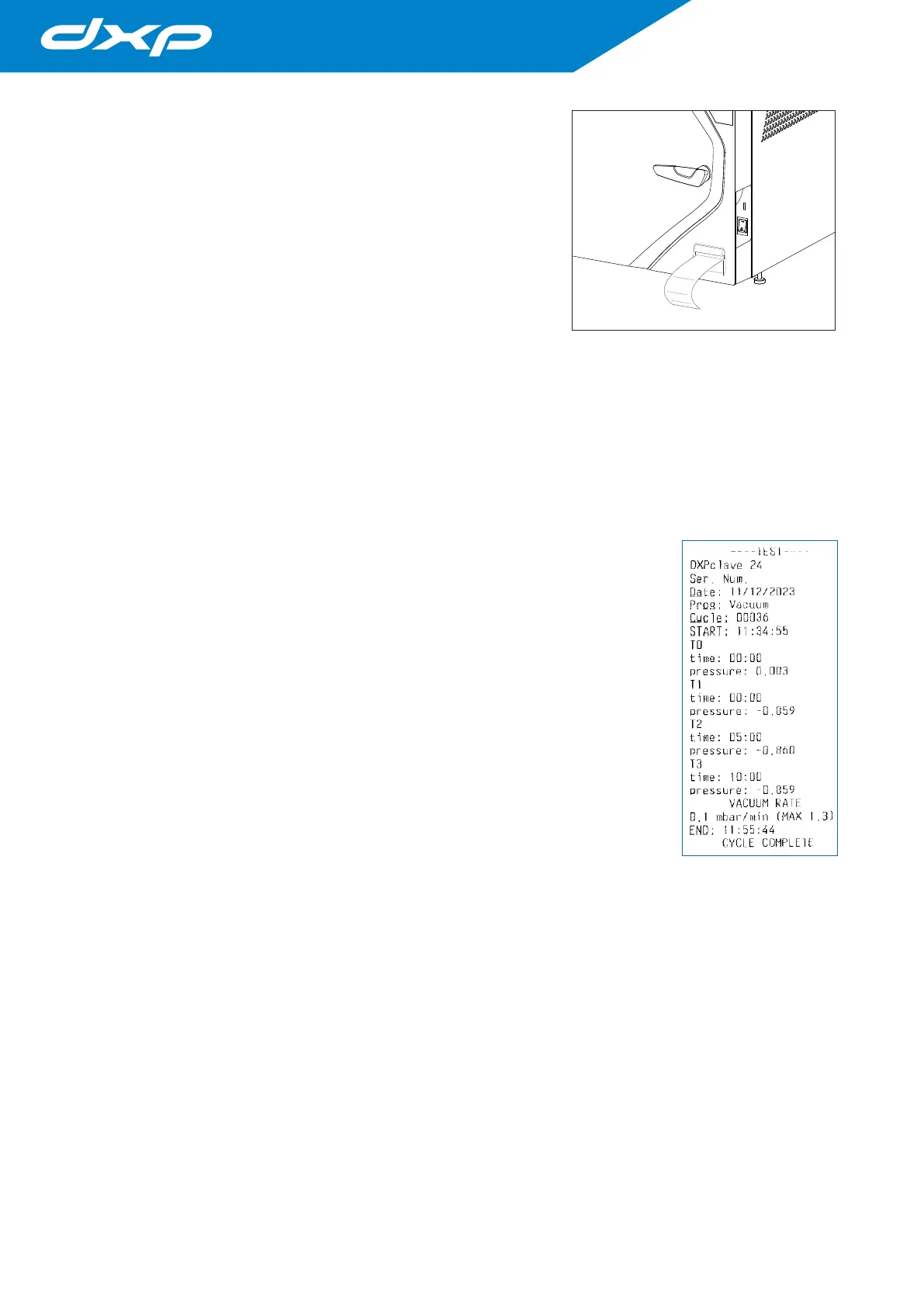
5.11.1 Internal printer (optional)
The model equipped with an integrated thermal printer, doesn’t require any
additional installation operations for printing the sterilization cycle.
In correct storage conditions (absence of exposure to direct sunlight and
environmental conditions within the limits set out in chapter 3.3), the
maintenance time for printing on paper is 10 years.
5.11.2 External printer connection
The device can have an integrated printer (optional) but it is also designed
for connection to an external printer, to which process data is sent to document and certify that sterilization has
been completed.
The recommended printer model offered by NSK Dental Italy is coded Ref. 9900009, it’s a powerful compact
desktop printer that can be connected to the USB port located in the back or front side of the device. In sequence:
1. turn on the printer;
2. turn on the sterilizer.
3. If one or more sterilization parameters exceed the predefined limits, the device automatically goes into an
alarm state; the same alarm signal is shown on the printed report.
4. If the cycle is completed correctly, it is not necessary to verify that the values are within the limits.
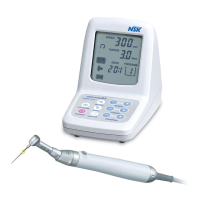
The report is printed automatically during the cycle and will contain the following
information:
• date and time of the process;
• serial number of the cycle;
• cycle and parameters selected;
• type of process: sterilization or disinfection;
• start and end times of the sterilization phase;
• time of completion of the drying phase.
In the case of malfunction or interruption of the cycle, the printer will provide the message
CYCLE ABORTED - NOT STERILE and will indicate the type of alarm encountered. At the
end of the working day, turn the printer off.
To program the print report language, see the chapter 4 on “Setting temperature and
pressure measurement units and selecting the language”.
The printer can provide labels in barcode form. The barcode contains the following
information:
• model
• serial number
• 18-character identification number (serial number + cycle number + date)
• CODE 39 barcode
• cycle name
• cycle number
• user
• cycle date
• cycle outcome
For printer management, refer to par. 4.8.3. “Printers Menu”.
5.11.3 Archiving on a USB stick (optional)
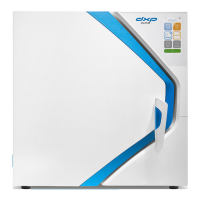
The sterilizer can archive the sterilization reports on a USB stick as an alternative to printing on paper.
To connect, just use the supplied USB key or insert your own key into the USB socket on the front of the autoclave.
For archiving on a USB stick, refer to par. 4.8.5.
Do not connect devices not foreseen by the manufacturer.


 To Next Page