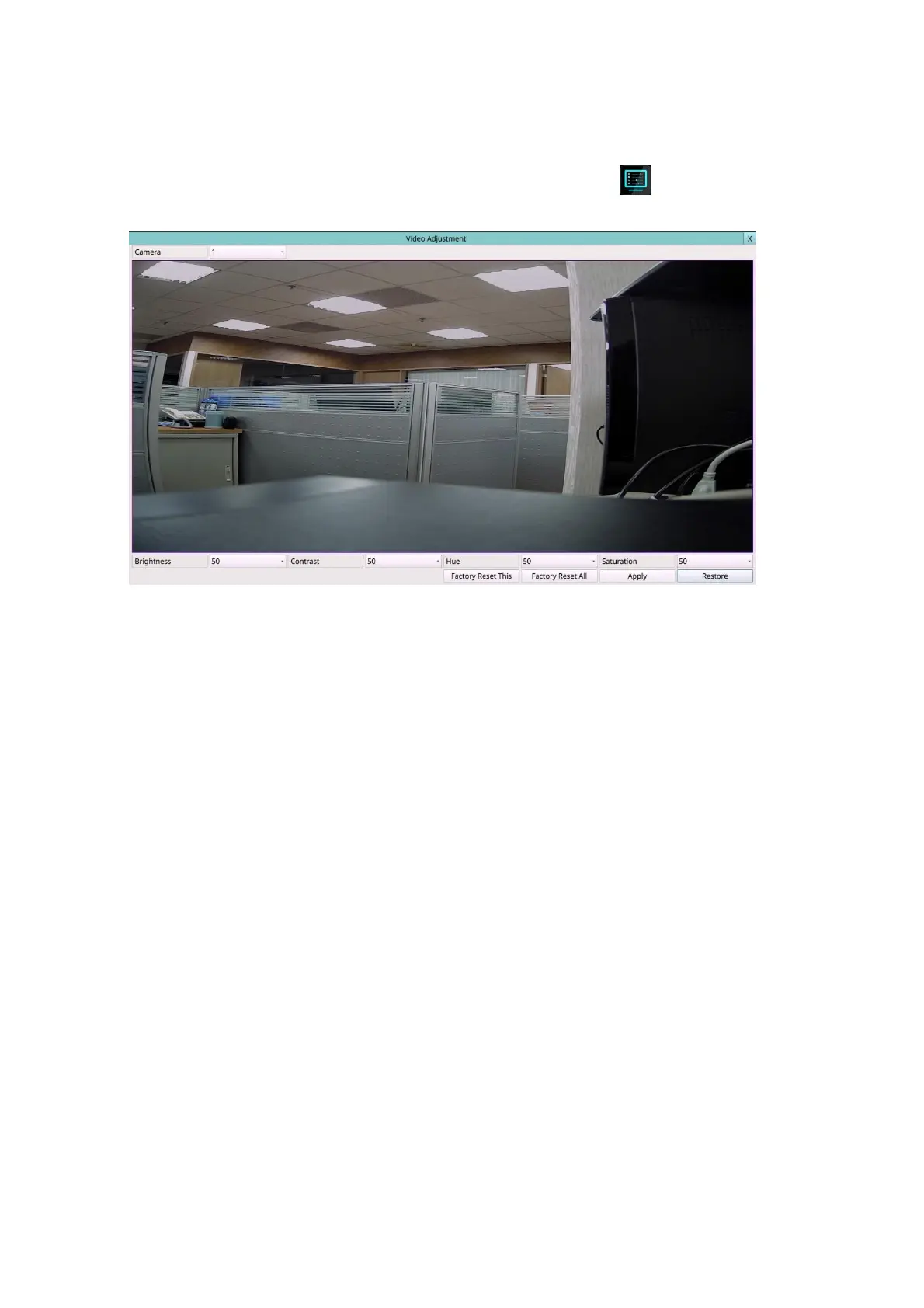
5.3 Video Adjustment
Left-click the mouse to select the Video Adjustment (Mouse: ) In Menu display, the
Video Adjustment will be shown.
There are 4 items which can be adjusted, including Brightness, Contrast, Hue, and
Saturation. The operations are as below:
Numeric (Mouse: Left-click the mouse to select the values)
Press these values to adjust the selected items.
Factory Reset This (Mouse: Left-click the mouse to select this)
Press this button to reset the settings for this camera to factory default values.
Factory Reset All (Mouse: Left-click the mouse to select this)
Press this button to reset the settings for all cameras to factory default values.
Restore (Mouse: Left-click the mouse to select this)
Press this button to restore the values.
X (Mouse: Left Click X or Right Click to leave)
Press this button to escape from this screen, and return to Menu display. The settings
will be saved for future reference.



 To Next Page