7.5 Playback/Archive for Search By Time
Please refer to Section 4.3 Basic Operations for how to change the camera(s) in the live
view and playback windows. You may use the following buttons to control the playback:
Play/Pause Button (Mouse: )
Press this button to play the recorded video/audio searched at forward speed 1X, or
pause the playback. If the playback is paused, press this button again to resume
playing. Note that audio can only be played at forward speed 1X.
Stop Button (Mouse: )
Press this button to stop playing the recorded video/audio. If the user press
button later, the playback will start from the beginning.
Fast Forward Button (Mouse: ), Slow Forward Button (Mouse: ) => (Mouse:
to toggle)
Press this button for fast/slow forward playback. Each time this button is pressed, the
forward playback speed will become faster/slower, from 2X, 4X, 8X, up to 64/16X, and
then back to 2X.
Fast Backward Button (Mouse: ), Slow Backward Button (Mouse: ) => (Mouse:
to toggle)
Press this button for fast/slow backward playback. Each time this button is pressed,
the backward playback speed will become faster/slower, from 2X, 4X, 8X, up to
64/16X, and then back to 2X.
Single Step Button (Mouse: )
Press this button to play the recorded images frame by frame.
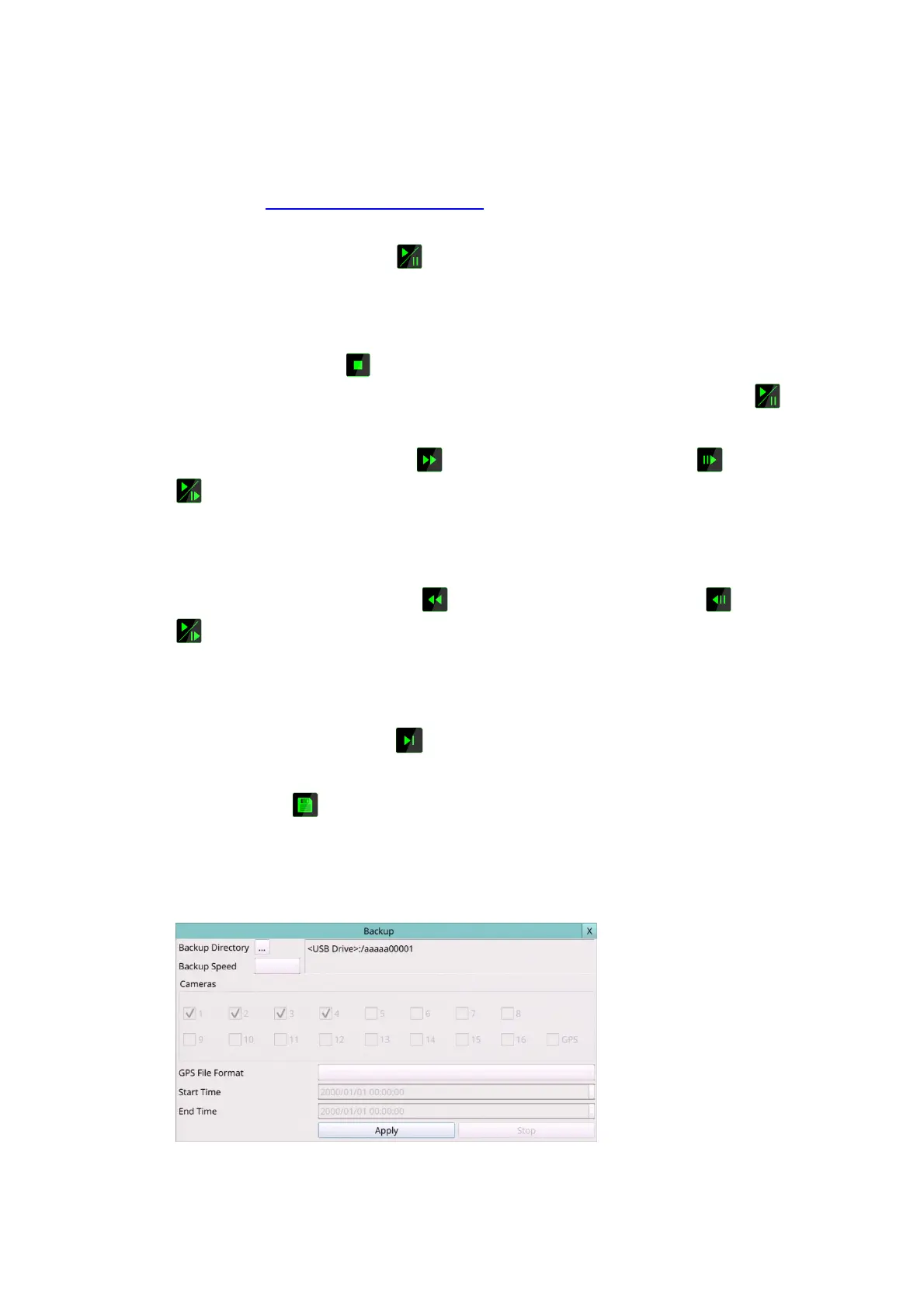
Copy (Mouse: )
Press this button to copy or stop copying the playback video/audio to the storage
device connected to the USB port. The Backup display will be shown as below.
Press ... button to set the directory to back up the data, then press Apply button to
copy data to drive.
Following is a brief description for the operations in Backup display:
Mouse: Click in the respective item



 To Next Page