- 96 -
Appendix C – GPS Function in Remote Software with Google
Earth
The GPS output for the DVR and its remote software can be used by GPS software such as
Google Earth. The user may use the following paragraphs as an example.
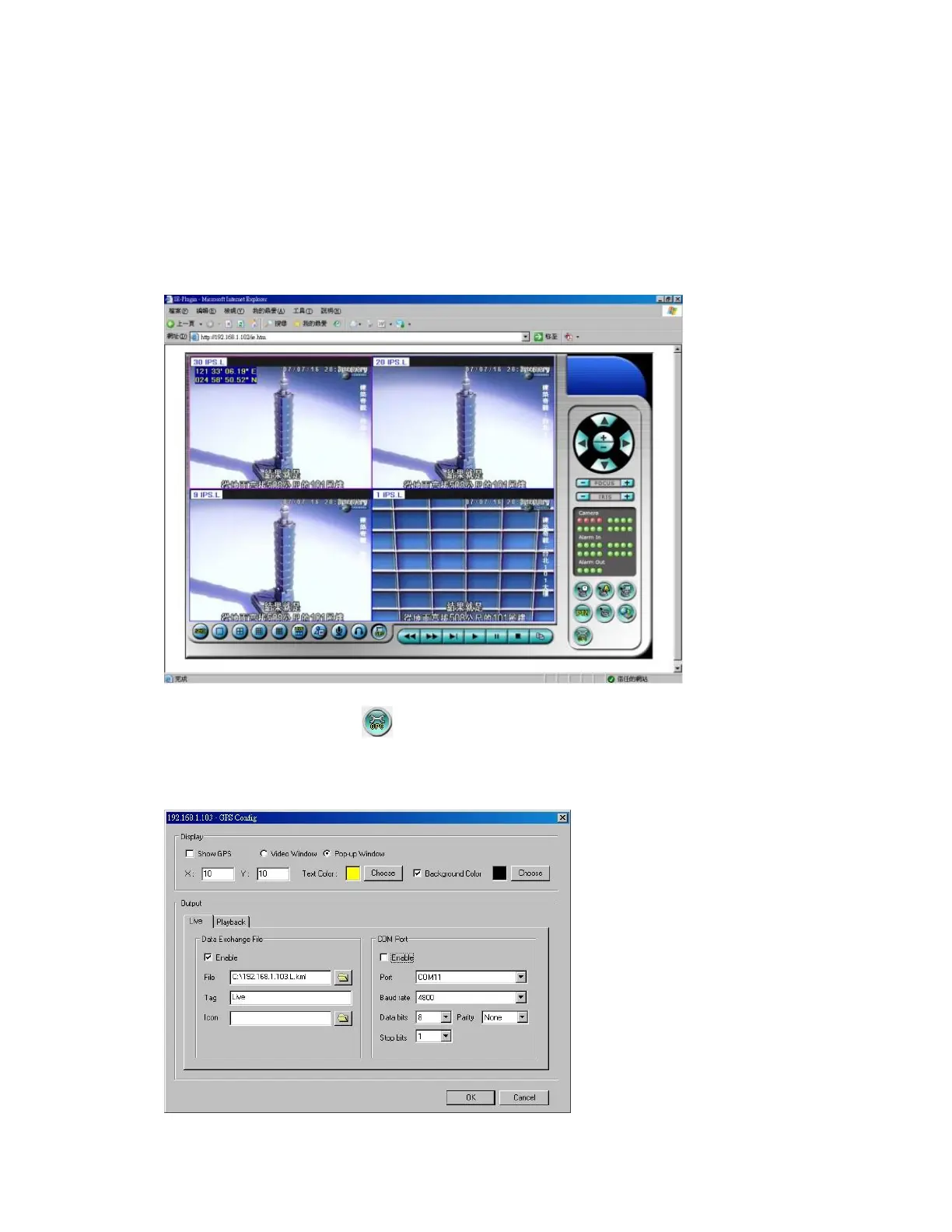
1. Open remote software such as IE Browser, and log on to the DVR or open and
playback the archived file with GPS information.
2. Select GPS Configuration ( ).
3. Enable Output with Data Exchange File, and set the related items (File, Tag, & Icon).



 To Next Page