- 95 -
DVR Browser Utility
To run the DVR Browser Utility under MS-Windows, please select Start → Programs →
Hyper Electronics Mappers → DVR Browser or double-click on the file DVR_Browser.EXE,
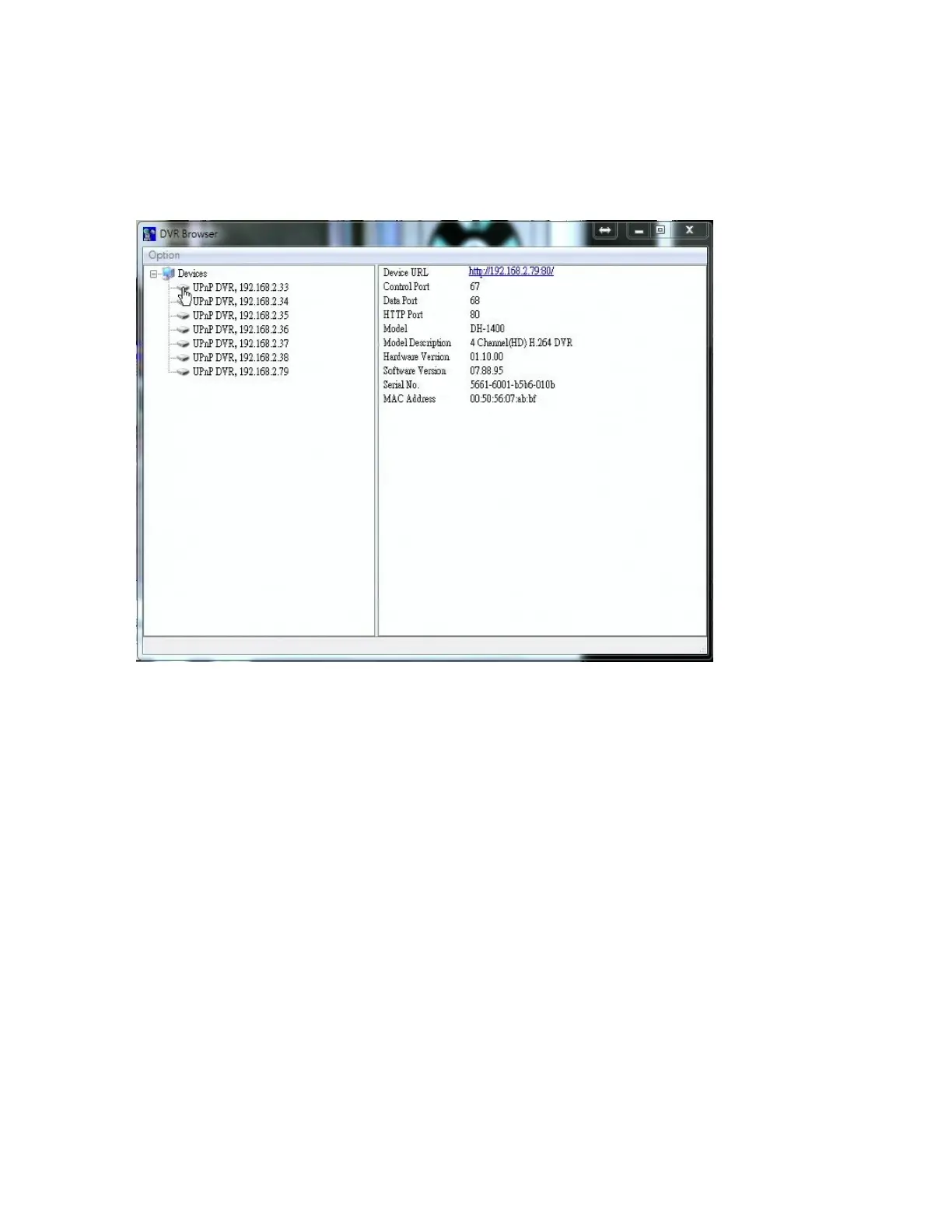
and the screen will be shown.
The utility will scan all the DVRs which support UPnP in the LAN. Please select the
desired DVR device, and its detailed information will be shown on the right as above.
Users can (1) click on the URL to call up IE and logon to the device, (2) select Option →
Rescan network, or (3) select Option → Export Device List. The exported device list can
be imported to IE software or CMS software in the future.



 To Next Page