7. Search/Playback/Archive (Administrator, Supervisor)
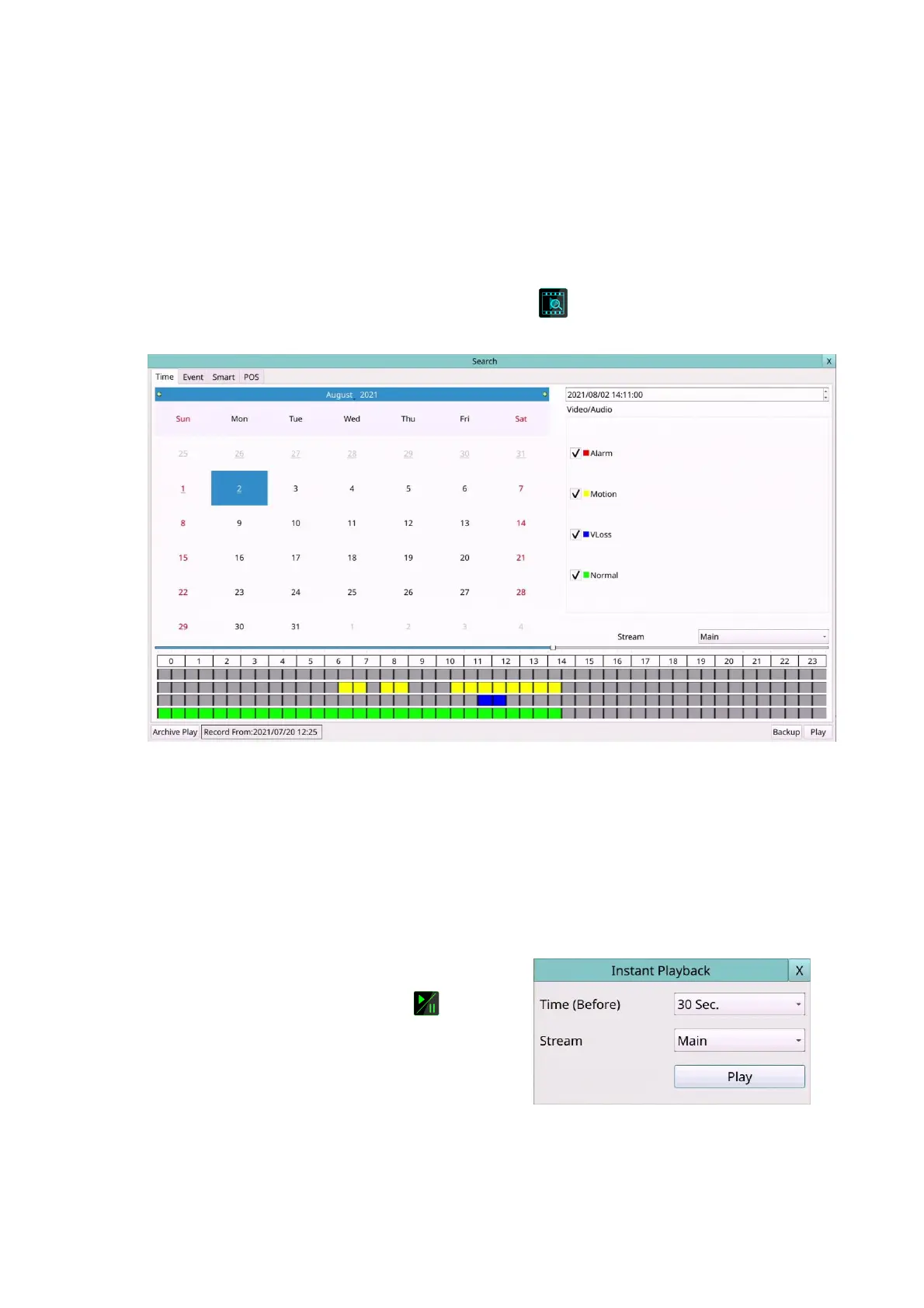
There are five ways to search the recorded video/audio for playback:
(a) Search by time,
(b) Search by event,
(c) Search archived files, and
(d) POS search.
Left-click the mouse to select the Search (Mouse: ) In Menu display, the Search will
be shown.
The user’s operations are described as the followings:
Mouse: Click in the respective item
Select the items to enter the corresponding Search display.
X (Mouse: Left Click X or Right Click to leave)
Press this button to escape from this screen, and return to split-window display.
The Search displays and their operations are described in the following sections,
followed by the playback operations of the searched video/audio.
Note: In split-window display, the user can
press PLAY button (Mouse: ) to call up
Instant Playback Menu. Select the Stream
Type, then select the Time for instant
playback.



 To Next Page