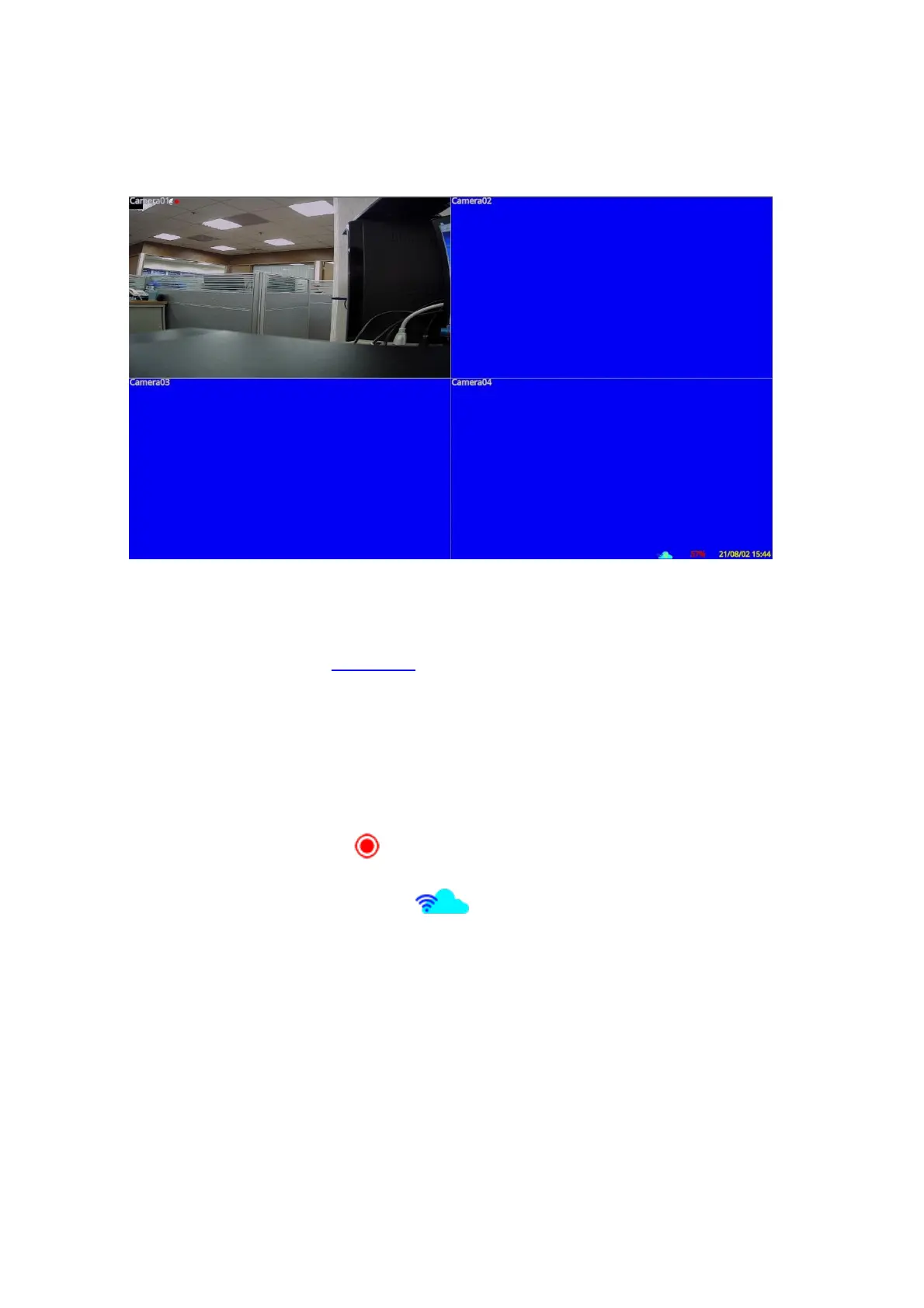
4. Main Screen and Basic Operations
The split-window screen, as shown above, is the main screen after system startup. There
are several types of split-window screens, including 1-Window, 4-Window, 7-Window,
9-Window, and 16-Window. The system will remember the last one before the normal
shutdown (as described in Section 5.7) of the system. In addition to the split windows, the
system time and the system states are displayed in the lower-right corner. The screen
messages in the lower-left corner, shown while a certain event occurs.
The system states, from right to left, are described as the followings:
(1) Normal recording percentage
(2) Alarm recording percentage
(3) Manual record ON/OFF – shown for ON
(4) Backup state – Backup status shown
(5) Number of remote connections – The number in the icon is the current number
of connections.
* If the mouse is connected, the mouse operation icons will be shown when the mouse
cursor is moved to the bottom of the screen.
* Recording icon, Motion, & Alarm for the camera may be shown after camera title.



 To Next Page