- 88 -
8.2 PDA/Mobile Phone Remote Access (Chrome Wap Mode)
The digital video/audio recorder can also be remotely accessed by using a web
browser installed on a PDA or mobile phone that (1) supports xHTML and MJPEG file
format, and (2) has screen resolution at 240x320 or above.
Please enter the domain name or IP address of the digital video/audio recorder in the
Location/Address field of the web browser, and the remote login display will be
shown. (For most of the mobile devices, the DVR will automatically redirect to the
correct web page, EX. http://192.168.1.89/wap.htm for IP address
http://192.168.1.89. If not, please enter the full address with /wap.htm. The user
may need to enter http://192.168.1.89:800/wap.htm if HTTP port has been changed
to 800.) Please enter the correct login name and password for the digital
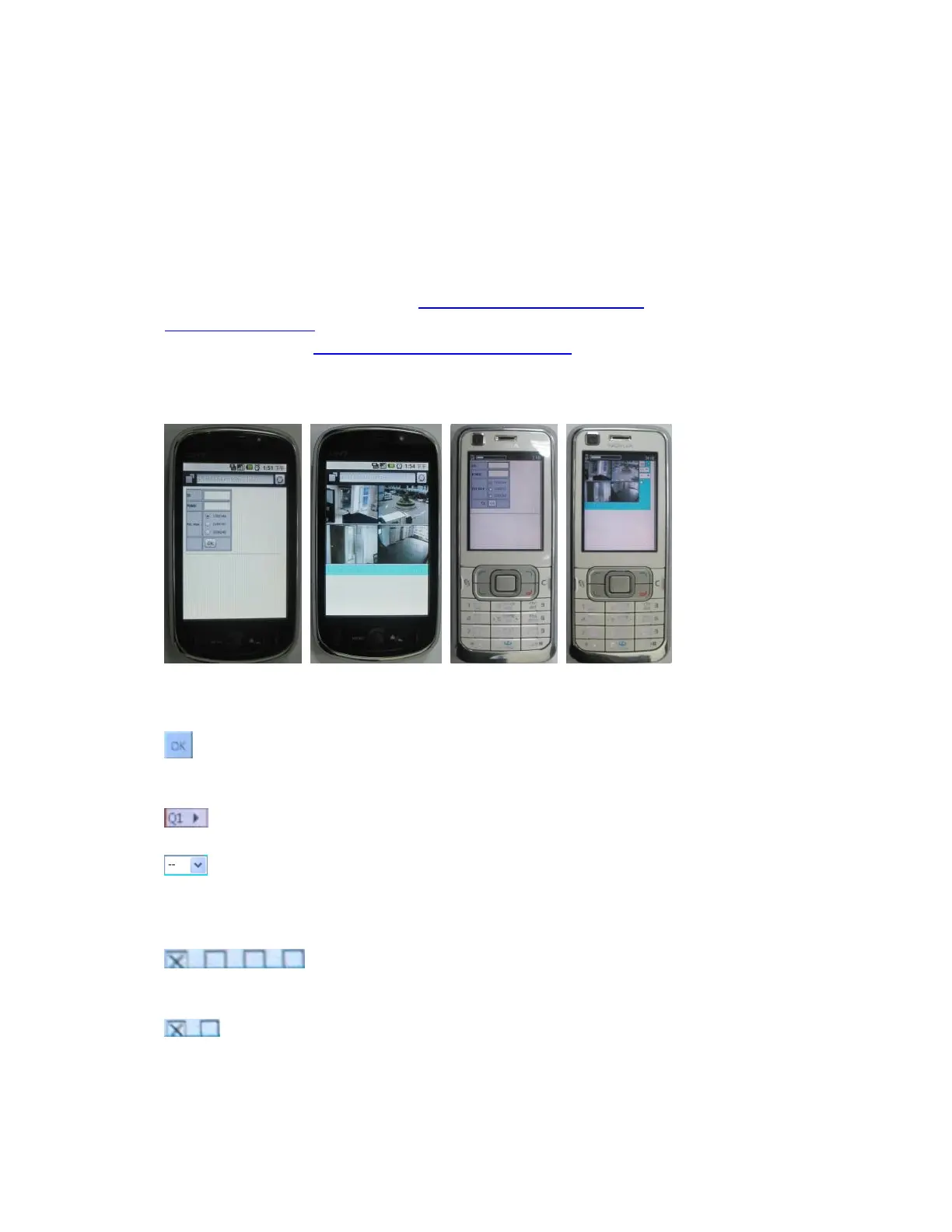
video/audio recorder to login the system, and the screen will be shown as below.
Following is a brief description for each item and its specific operations:
Click on this button to submit the content to the digital video/audio recorder.
The new settings will take effect, and the screen will refresh.
Selection of Quad or 1-Window display.
-- for snapshot, 1P-10P for streaming of 1-10FPS (Safari, Firefox), 1S-30S for
auto-refresh of 1 second to 30 seconds, 0S for fast auto-refresh that supports
HTML4.01.
: Status indicators for alarm inputs 1-8 (unchecked for normal,
checked for alarm).
: Alarm outputs (unchecked for normal, checked for triggered).
Administrator can check to trigger the alarm output, uncheck for back to normal.



 To Next Page