Change the default Publisher Copy print (copy) template
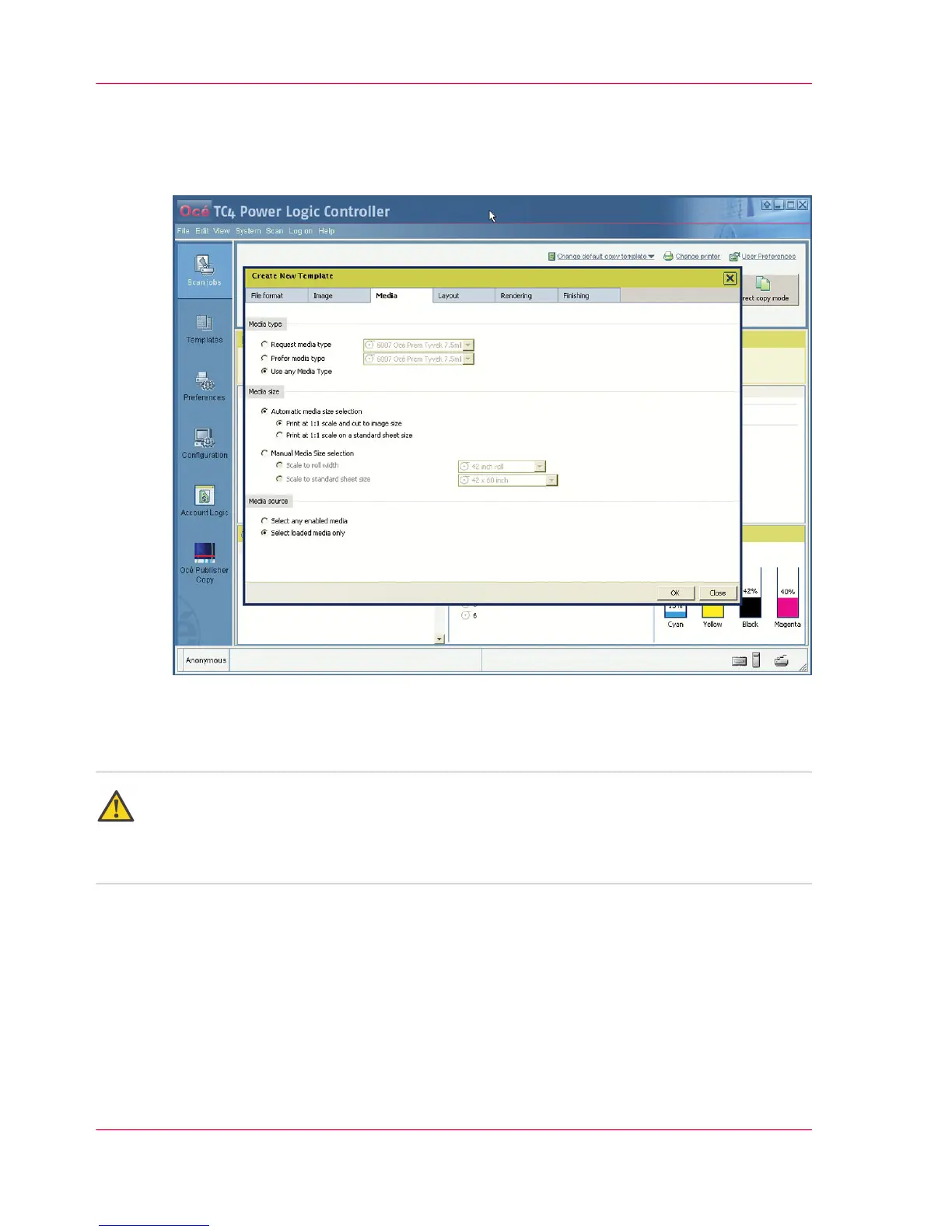
Illustration
How to change the default Publisher Copy print (copy) template
Attention:
The default Publisher Copy print (copy) template that you select here only defines the
default settings for the printer. You can change the scan template settings in the 'Templates'
workspace (See ‘Define a Publisher Copy scan template’ on page 120).
1.
Click 'Change default copy template' in the Océ Publisher Copy default settings area
(upper right corner).
2.
Select a different print (copy) template from the drop-down list
or
You can create, edit, rename and delete your own print (copy) template. (See also ‘Print
(copy) template definition’ on page 107)
3.
Click 'OK'.
Chapter 5 - The Océ Publisher Copy option106
Change the default Publisher Copy print (copy) template



 To Next Page