Change the 'Password'
Illustration
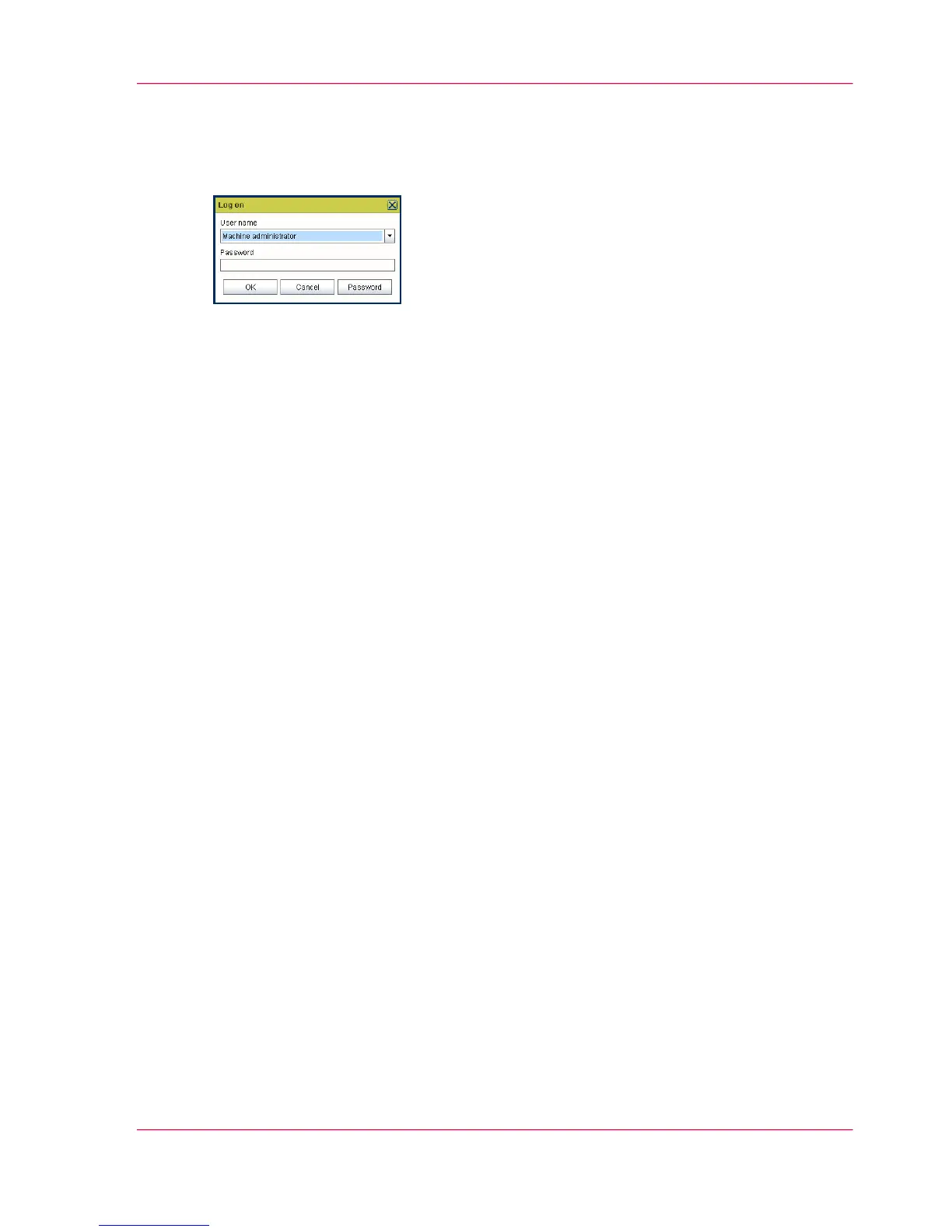
How to change the password
1.
Select the 'Log on' menu in the toolbar to log on to the system.
2.
Click 'Password' in the dialog box.
3.
Open the drop-down list and select a user.
4.
Enter the old password.
5.
Enter the new password.
6.
Enter the new password a second time to confirm.
7.
Click 'OK' to save the new password.
Chapter 3 - OcéPower Logic
®
controller Remote
79
Change the 'Password'



 To Next Page