Do an extended scan-to-file job
Introduction
This section describes a general workflow for an extended scan-to-file job.
Before you begin
If you must enter the same value for a setting very often, you can set this value as the de-
fault value for that setting in the Océ TC4 Power Logic
®
controller application.
After you press the start key, the scanner operator panel always shows the job number
and status of the job. A scan-to-file job appears in the selected destination of the 'Scan
jobs' workspace.
How to do an extended scan-to-file job on the Océ TC4
1.
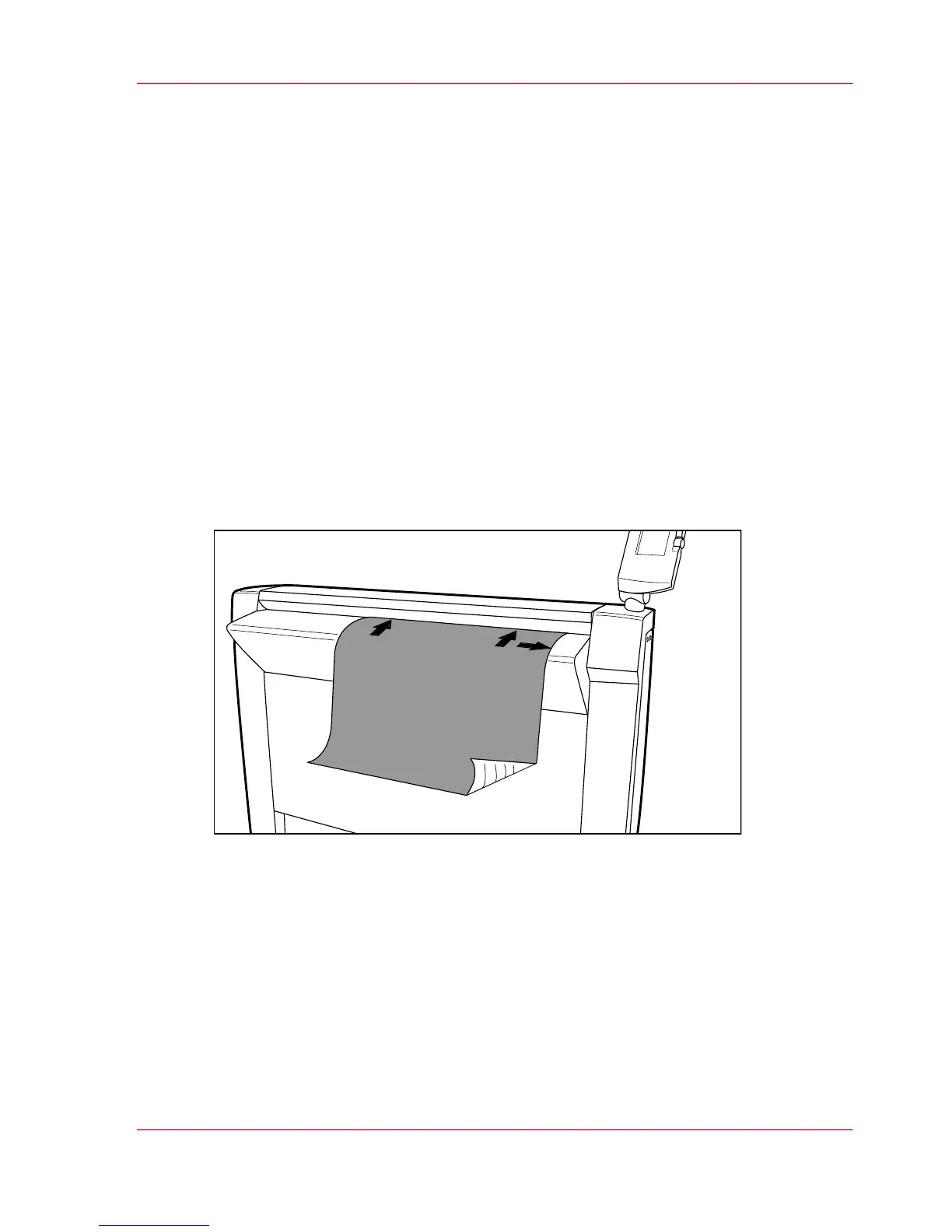
Place the original face down and right aligned.
The scanner takes the original.
[15] Place the original face down and right aligned
2.
Select a template.
Chapter 2 - Use the Océ TC4 35
Do an extended scan-to-file job



 To Next Page