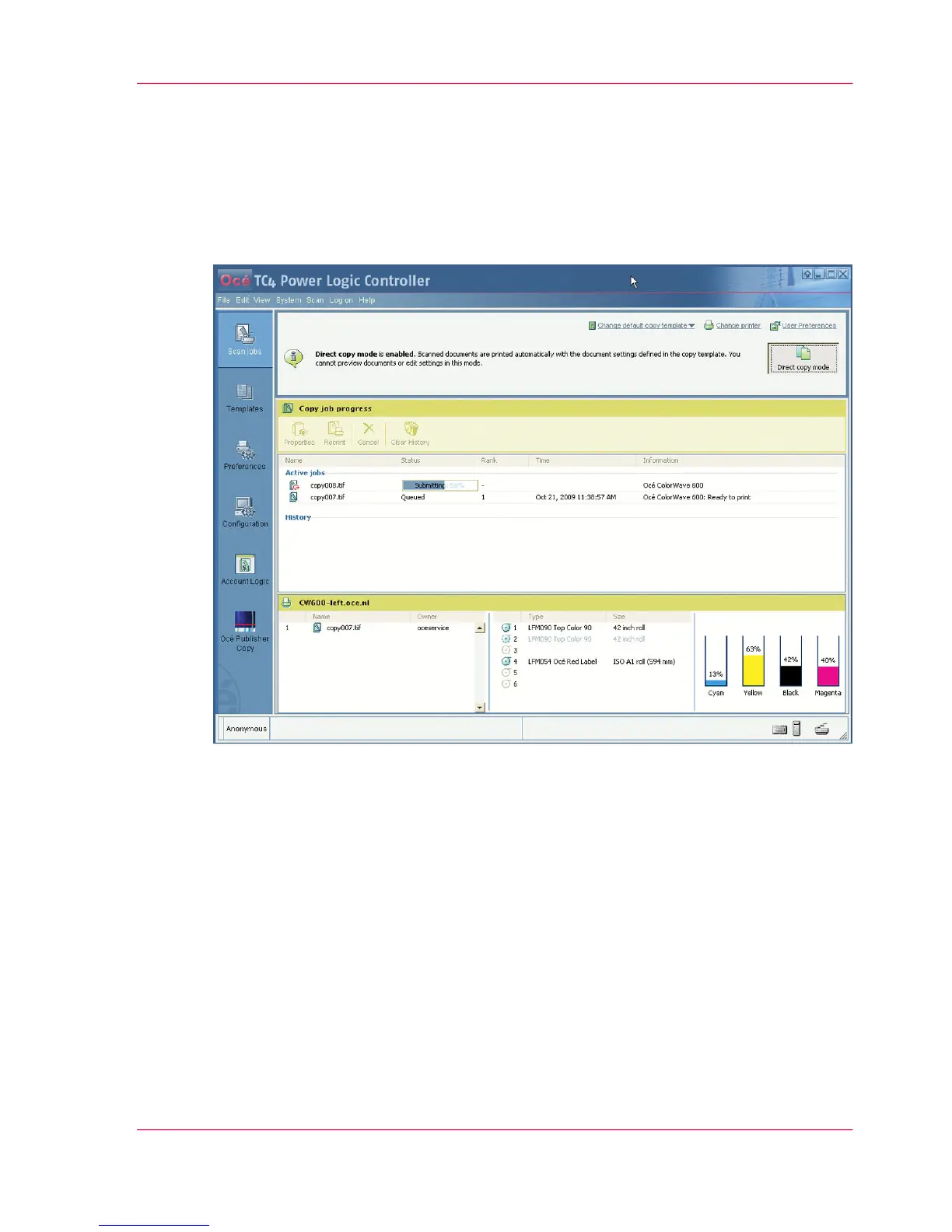
The 'Copy job progress' section.
The 'Active jobs' section and the 'History' section
Illustration
As soon as a scan job is sent to the printer you can follow the progress of the job in the
system:
■
The status of the active jobs in the 'Active jobs' section.
■
The list of the completed jobs in the 'History' section (up to 50).
When available, the system displays also additional information on the status of a job
(see ‘Job 'Status'’ on page 115).
The 'Active jobs' section.
The 'Active jobs' section displays for each active job:
■
The job 'Name'
Chapter 5 - The Océ Publisher Copy option 113
The 'Active jobs' section and the 'History' section



 To Next Page