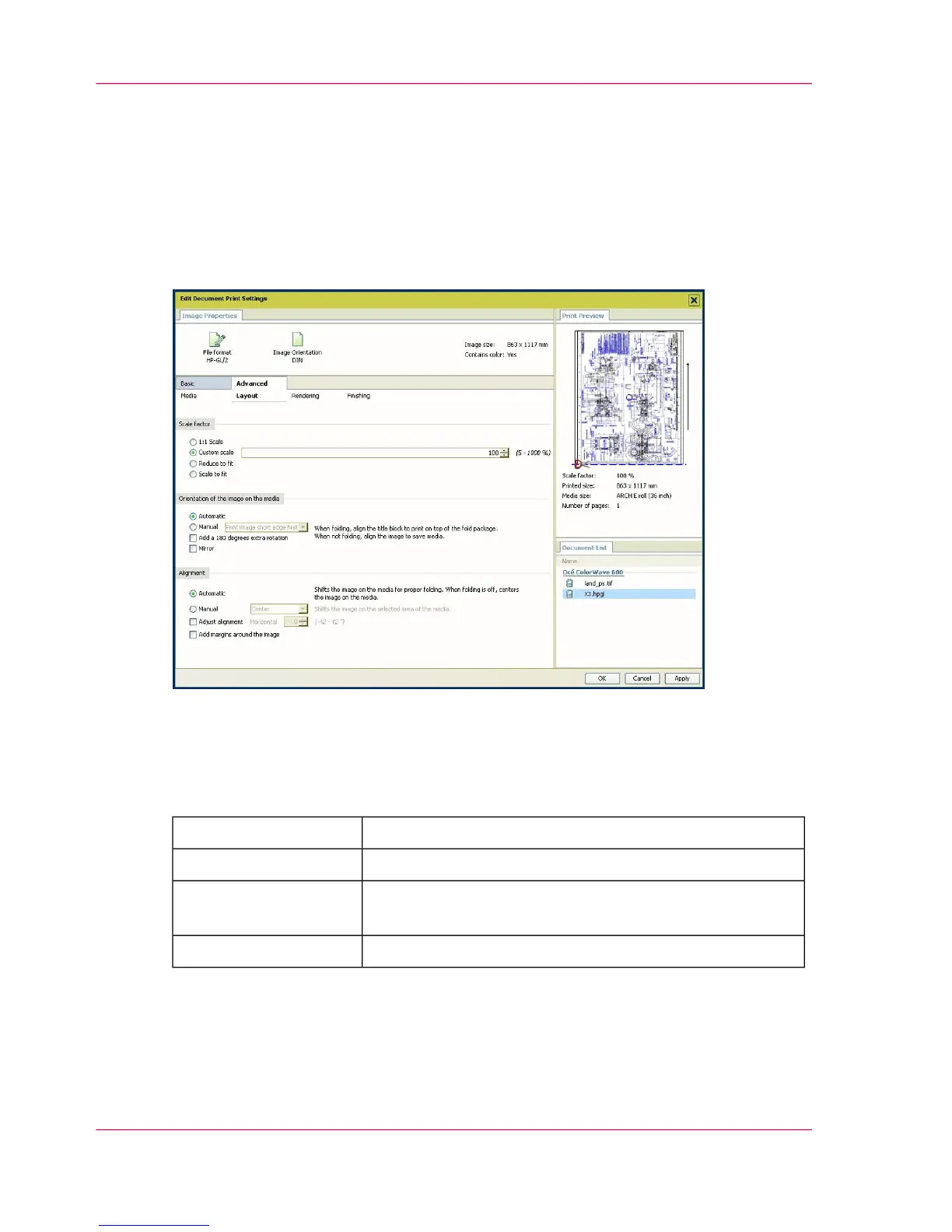
'Advanced' / 'Layout' settings
Introduction
You can define the layout of the image on the media.
Illustration
'Scale factor'
Define the 'Scale factor' if the image must be scaled on the printout. Select:
#
to keep the original image size.'1:1 Scale'
to define a custom scale value (from 1% to 1000%).'Custom scale'
for an 'Automatic scale down when image is larger than
media'
'Reduce to fit'
for an 'Automatic scale to the media size''Scale to fit'
'Orientation of the image on the media'
You can change the orientation of the output in the media by selecting either :
Chapter 5 - The Océ Publisher Copy option136
'Advanced' / 'Layout' settings



 To Next Page