Scan jobs on the Océ TC4 Power Logic
®
controller application
Scan jobs management
'Scan jobs' workspace
The 'Scan jobs' workspace in the Power Logic
®
controller application allows you to
configure your scan jobs workflow.
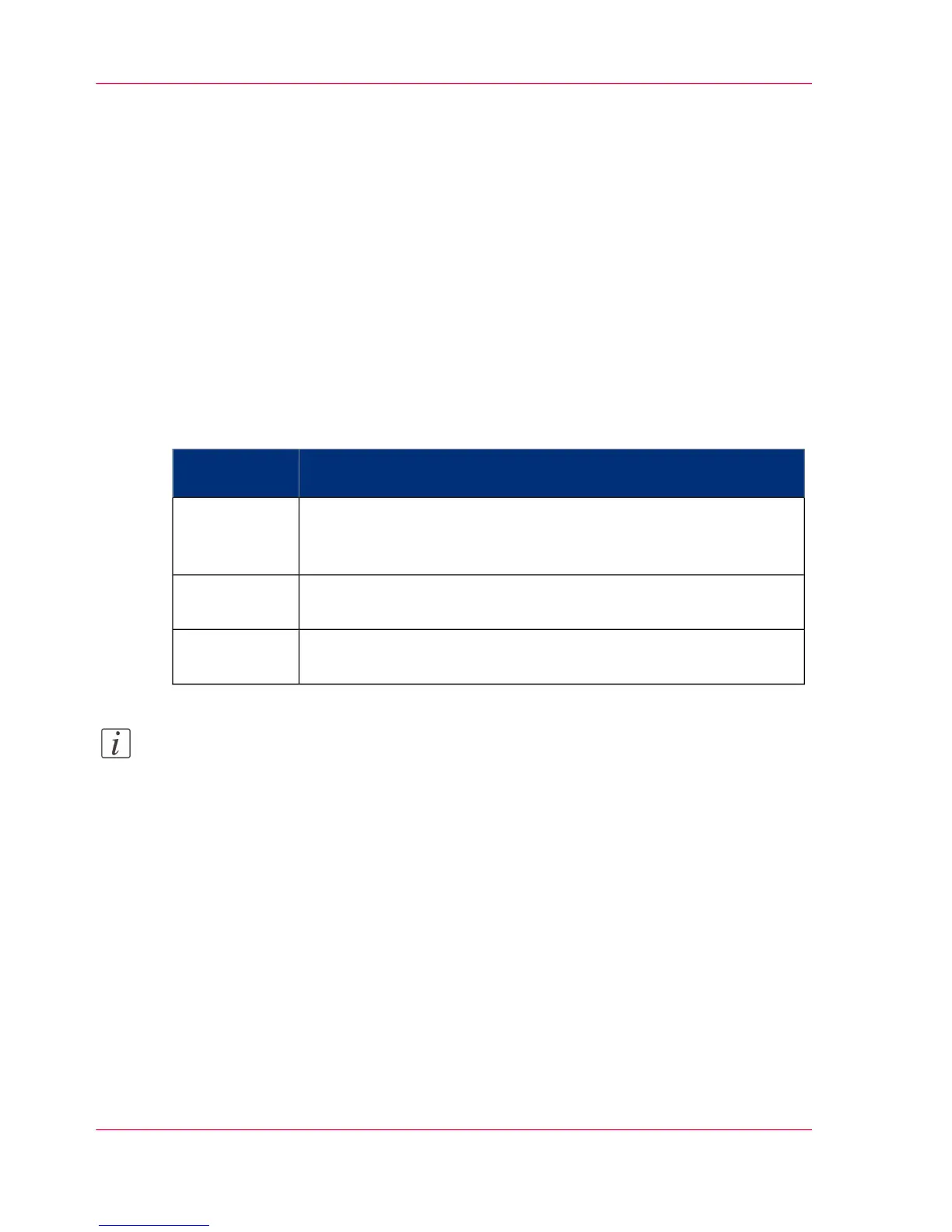
The 'Scan jobs' workspace is divided in three areas that manage the complete scan jobs
workflow.
Areas in the Scan jobs workspace#
DescriptionScan jobs
workspace
Define and manage the local scan destinations.Destinations
on the con-
troller
Define and manage the remote scan destinations.Remote desti-
nations
View scanned documents or view or edit the properties of a scanned
document.
Scan job view
area
Note:
Not all options are available to all users. You must log on as a key operator to perform
all tasks in the 'Scan jobs' workspace.
Chapter 2 - Use the Océ TC446
Scan jobs management



 To Next Page