Enable or disable 'Direct copy mode'
Introduction
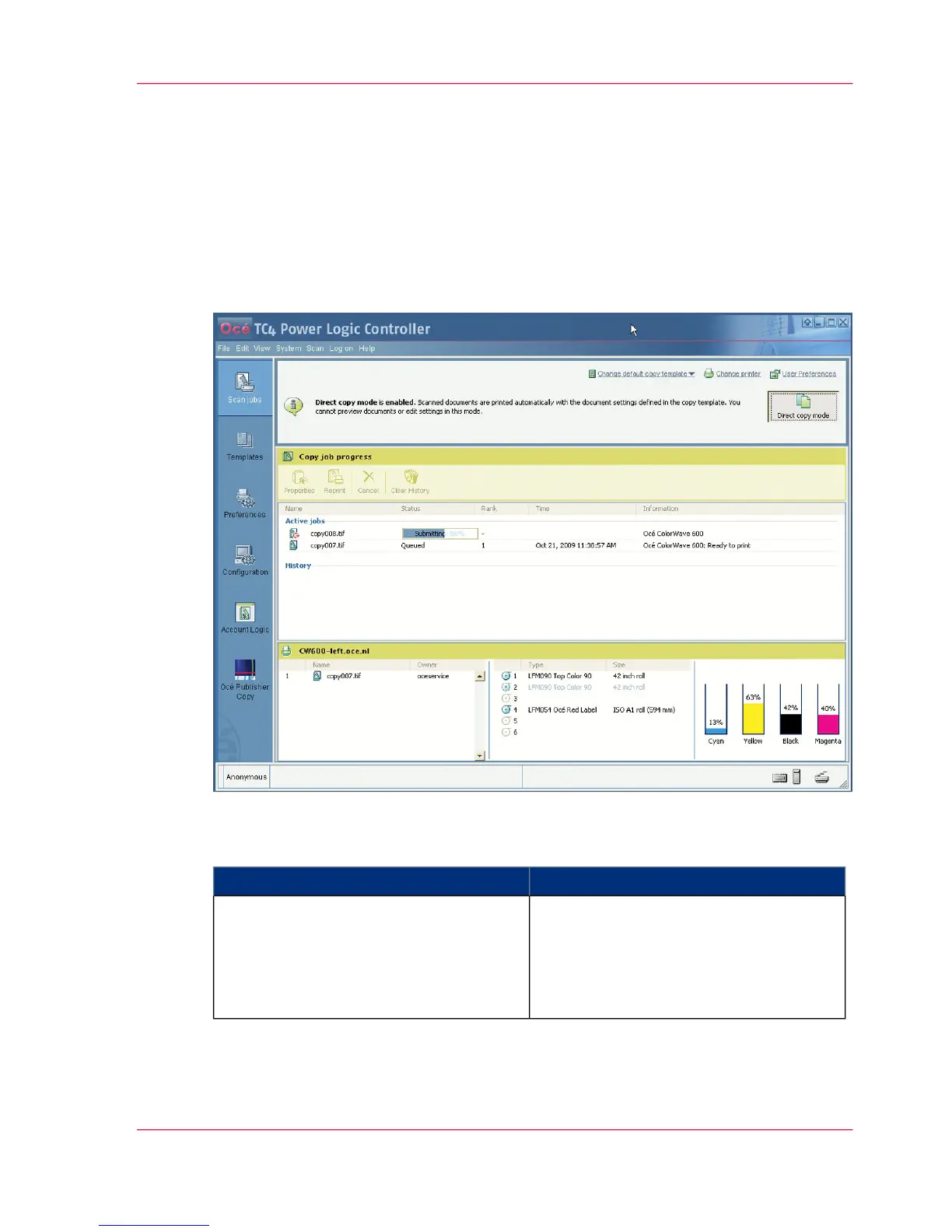
You can enable or disable the 'Direct copy mode' by clicking the 'Direct copy mode'
button in the Océ Publisher Copy default settings section (upper right corner).
Illustration
#
ThenWhen
the scanned documents are printed auto-
matically with the document settings de-
fined in the copy template. You cannot
preview documents or edit settings in this
mode.
'Direct copy mode' is enabled
Chapter 5 - The Océ Publisher Copy option 111
Enable or disable 'Direct copy mode'



 To Next Page