Maintain the Océ TC4 scanner
Clean the scan area
Introduction
You need to keep the glass plate clean. A dirty glass plate causes a decreased scan quality.
Clean the glass plate when you have lines on the image that are not on the original.
Attention:
Use Océ cleaner A to get the best results.
Attention:
Make sure you do not damage the sensor at the right of the glass plate.
How to clean the glass plate
1.
Turn off the Océ TC4 scanner.
2.
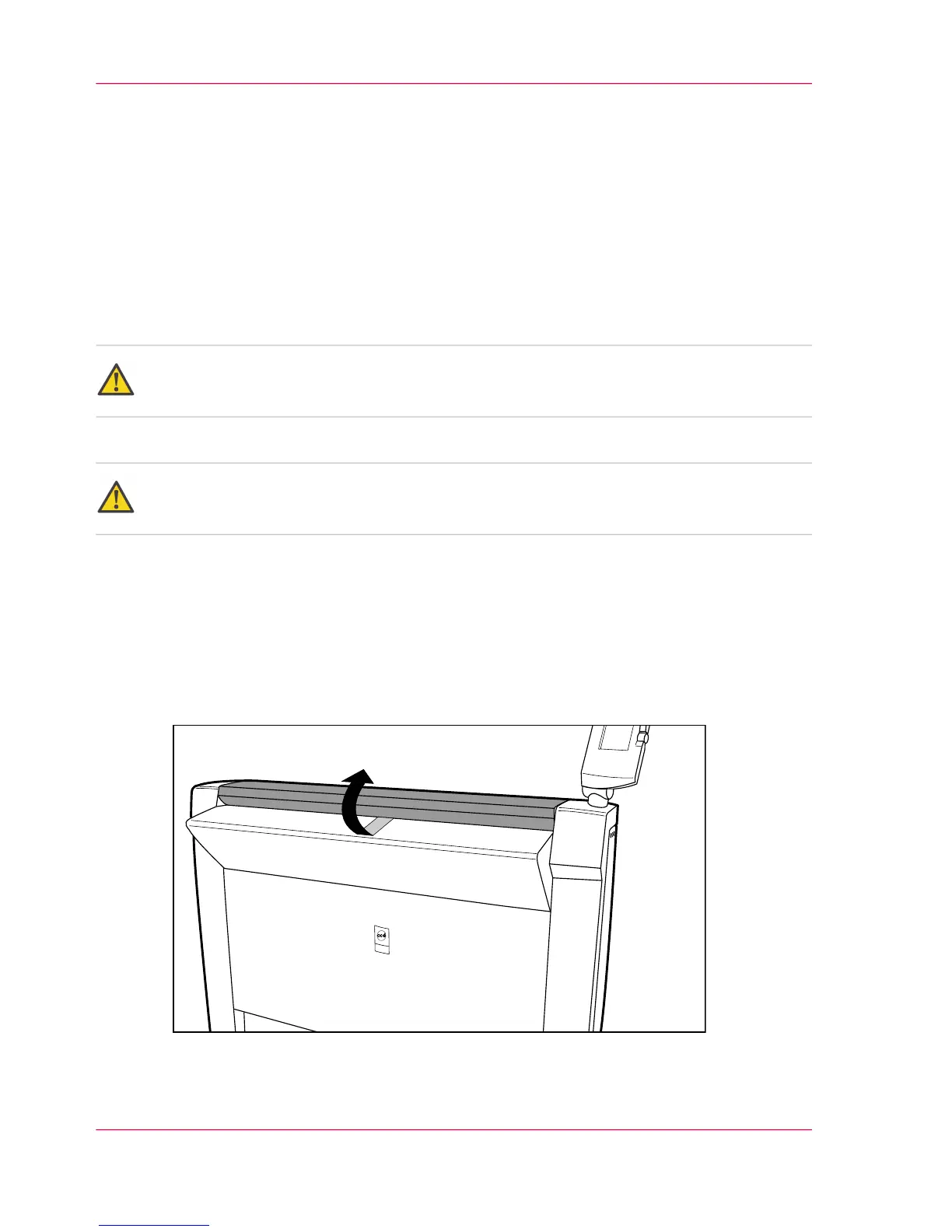
Pull the top cover towards you and lift the top cover to open it.
[65] Open the top cover
Chapter 8 - Maintain the Océ TC4170
Clean the scan area



 To Next Page