Do a basic copy job ('Direct copy mode'
enabled)
Basic copy job
Before you begin
Make sure that 'Direct copy mode' is enabled (See ‘Enable or disable 'Direct copy mode'’
on page 111).
How to do a basic copy job
1.
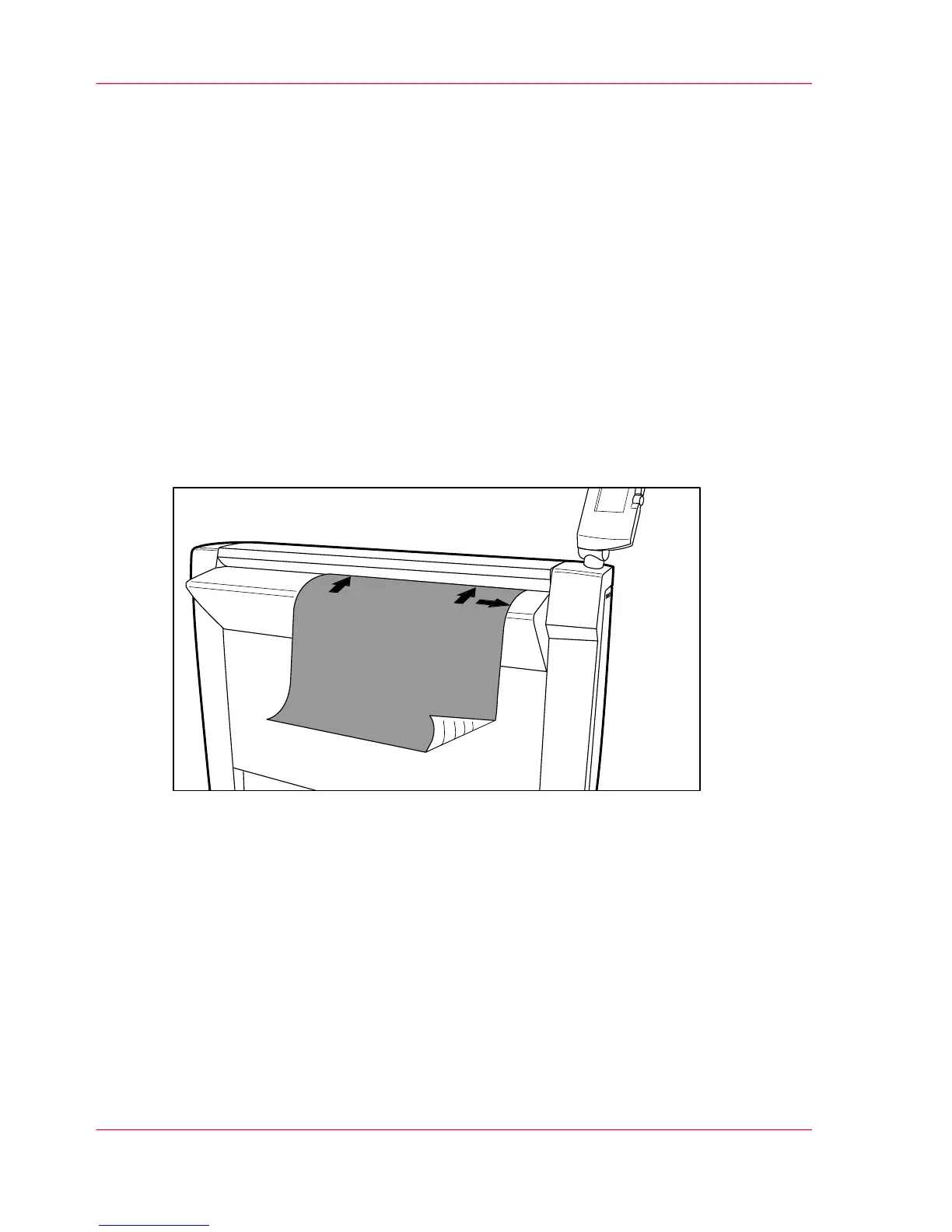
Place the original face down and right aligned.
The scanner takes the original.
[56] Place the original face down and right aligned.
2.
Select a Publisher Copy scan template or change the 'Destination' of an existing scan
template to Publisher Copy.
3.
Change the scan settings if necessary and press the green start key.
Result
The scanner scans the original and sends the copy job directly to the Océ ColorWave
600 printer. The printer uses the print settings defined in the default copy template (See
‘Change the default Publisher Copy print (copy) template’ on page 106).
Chapter 5 - The Océ Publisher Copy option122
Basic copy job



 To Next Page