2.
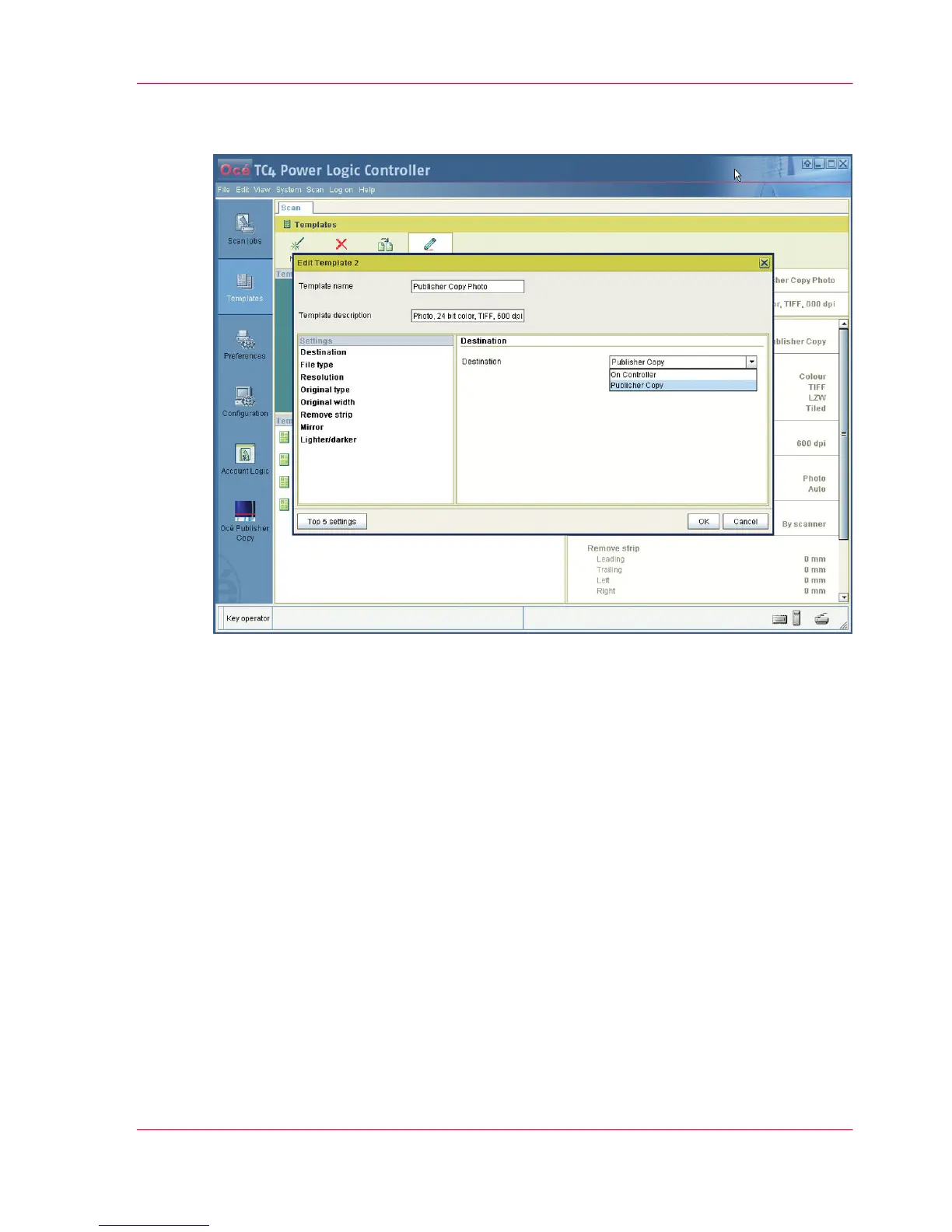
Edit or define the scan template settings. Make sure that you select Publisher Copy as
the 'Destination'.
3.
Click 'OK' to confirm your entries.
4.
Drag and drop the new Publisher Copy scan template on an existing scan template in
the 'Templates on the scanner operator panel' section. In the overview and on the scanner
operator panel, the existing scan template is immediately replaced by the new Publisher
Copy scan template.
Chapter 5 - The Océ Publisher Copy option 121
Define a Publisher Copy scan template



 To Next Page