Note:
You can scan more than one original to the same job.
5.
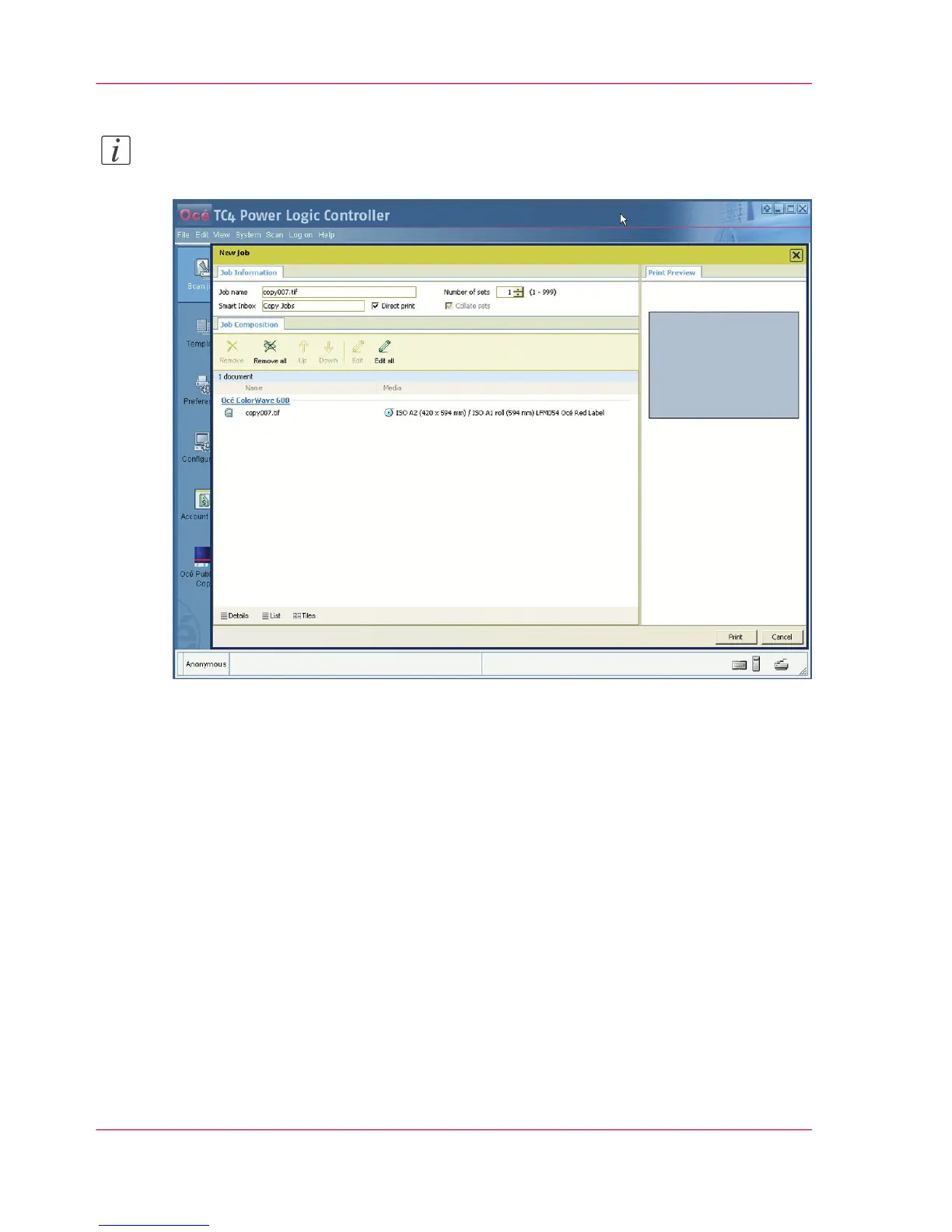
Click 'Print' to send the copy job to the printer.
Result
The scanner scans the original and you can adjust the print settings defined in the default
copy template (See ‘Change the default Publisher Copy print (copy) template’ on page 106)
before you send the copy job to the Océ ColorWave 600 printer.
Chapter 5 - The Océ Publisher Copy option124
Extended copy job



 To Next Page