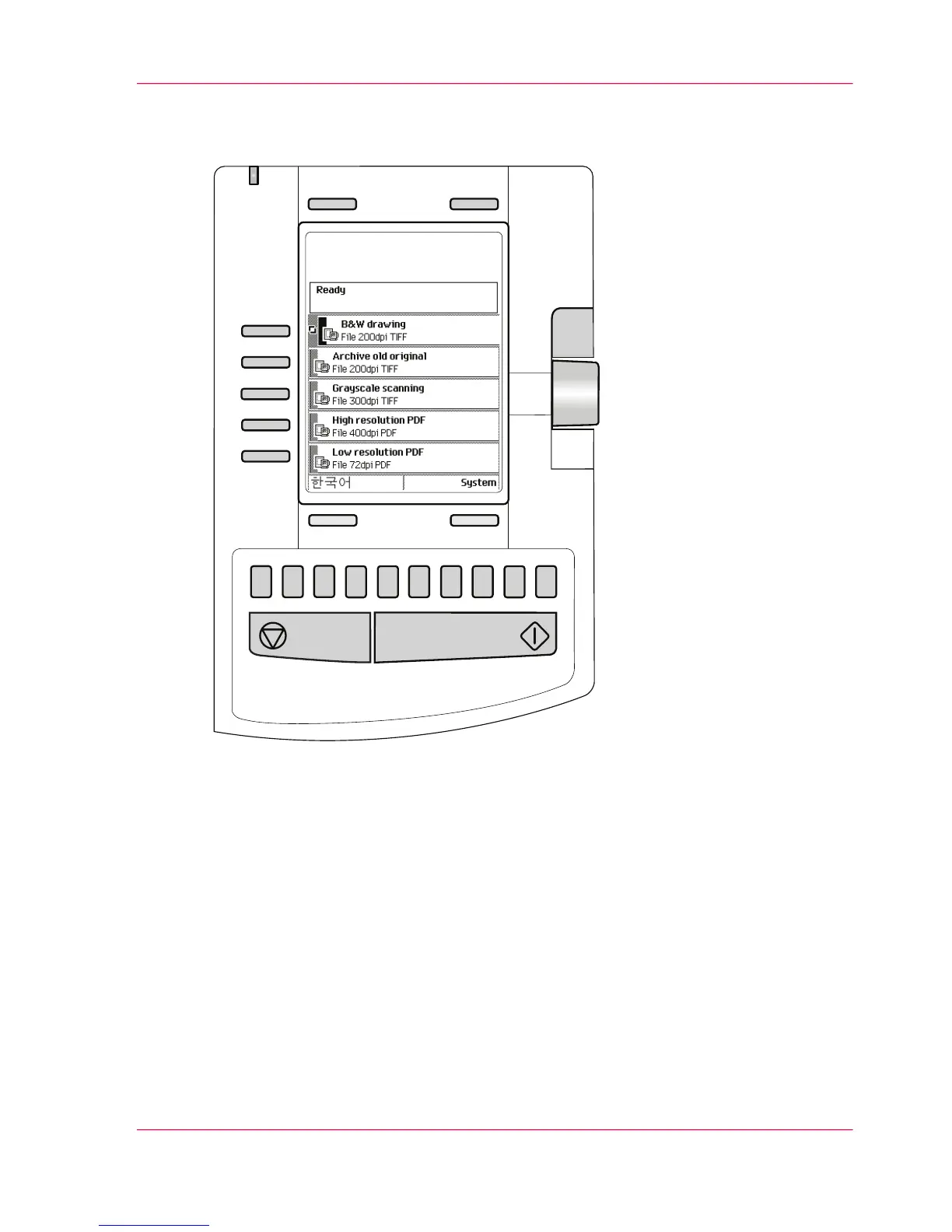
[12] The operator panel of the Océ TC4 scanner
Define job settings with the left soft keys and the scroll wheel
1.
Select a job template with one of the left softkeys.
The top 5 settings appear.
2.
Find a setting with the scroll wheel.
A small rectangle in front of a setting name indicates the focus of the scroll wheel.
3.
Select a setting with the left softkey.
There are several types of settings. The behavior of the scanner operator panel and the
definition of a setting depends on the type of setting you selected. You can select one of
the following types of settings.
Chapter 2 - Use the Océ TC4 29
Use the scanner operator panel



 To Next Page