DescriptionSetting
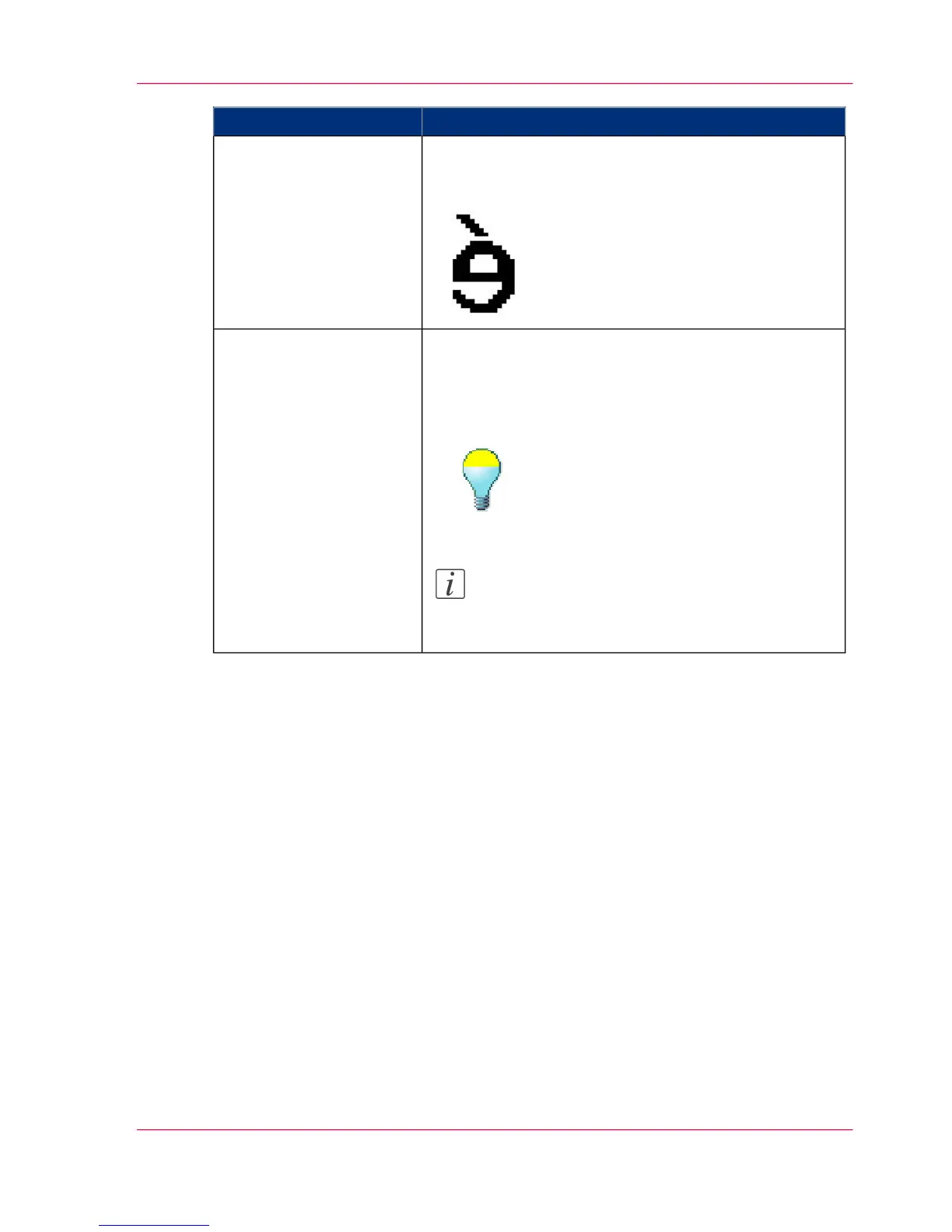
Use this setting to create a mirrored image of an original.
Mirroring occurs in the transport direction. (The image
is mirrored along the vertical axis.)
'Mirror'
Use this setting to define the exposure of the original.
Negative values mean less exposure and darker scanned
output. Positive values mean more exposure and grayer
scanned output.
Note:
This setting can only be set if the color mode
you select is gray or black and white.
'Lighter/darker'
Chapter 2 - Use the Océ TC4 39
Available settings for scan-to-file jobs



 To Next Page