for each workspace. Every user is allowed to view the workspaces and settings but not all
users can modify the settings or perform actions in the workspace.
You can resize the columns in the workspaces by dragging the table header separators.
You can also change the order of the columns by dragging a selected column header to a
new position.
#
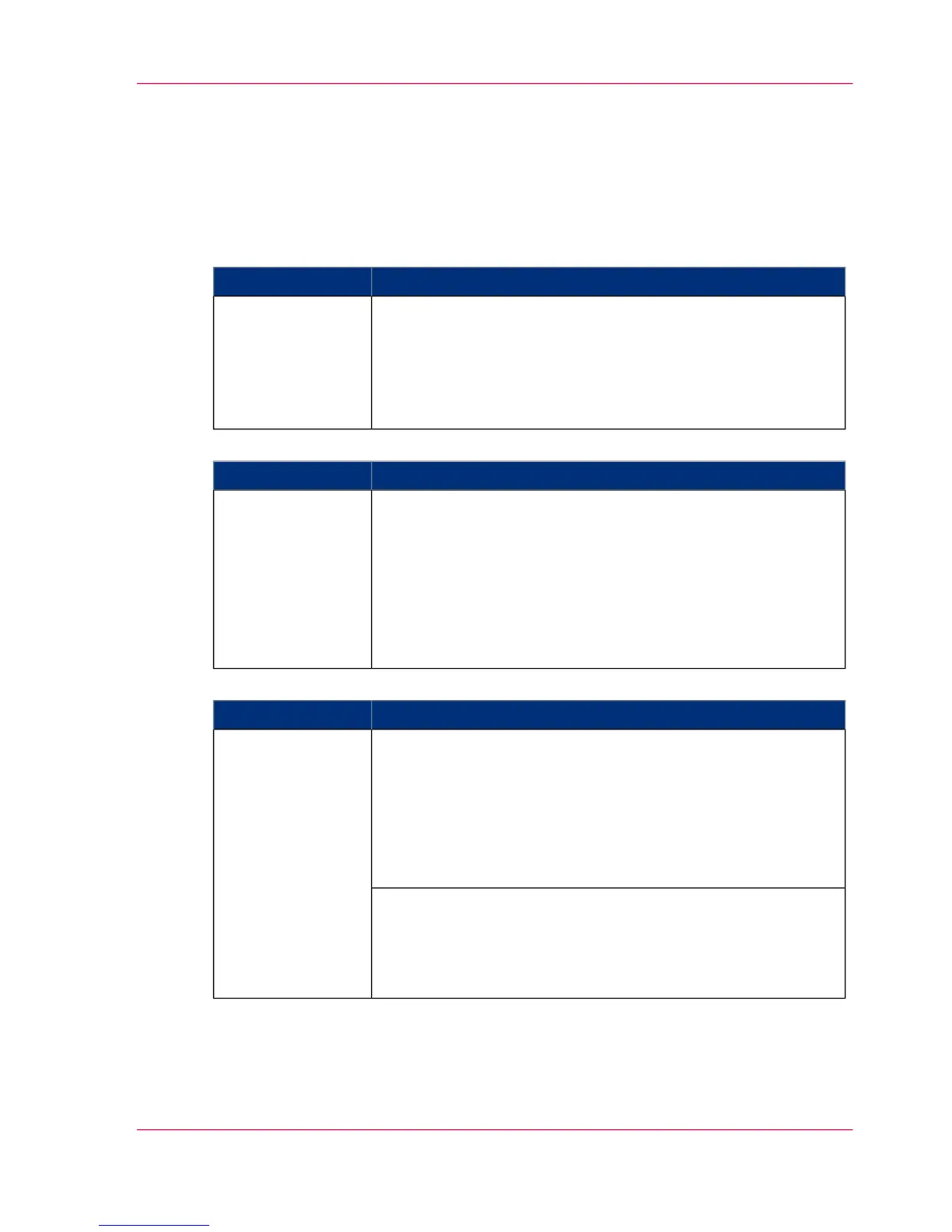
DescriptionWorkspace
Manage scan destinations and scan jobs.
The workspace contains the following areas.
■
Local scan destinations on the controller
■
Remote scan destinations on the network
■
View area scan jobs
'Scan jobs'
#
DescriptionWorkspace
'System defaults' tab
■
'Contact' settings
■
'Regional settings'
■
Sleep mode and sleep timer settings
■
'Scanner' settings
■
'Scan cleanup' settings
■
'Logging' settings
'Preferences'
#
DescriptionWorkspace
Manage the network connectivity, security settings and licenses.
'Network' tab
■
Power Logic
®
controller identification
■
'TCP/IP'
■
'FTP'
■
IPX/SPX
'Configuration'
'Security' tab
■
Normal
■
Medium
■
High
Chapter 4 - The Océ TC4 Power Logic
®
controller application
87
Toolbars and workspaces



 To Next Page