100
SET M (DIVE MODE)
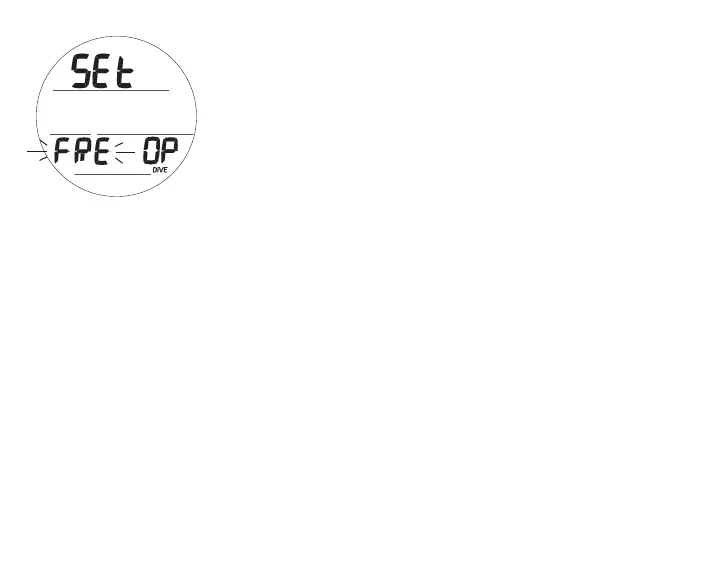
Set M and selecting a Dive Operating Mode (Fig. 118) is similar
to that previously described for NORM. Refer to page 59.
SHARED SETTINGS
To change items that FREE Mode shares with NORM Mode,
access the NORM Menu, then Set U, then -
> Wet Activation
> Units
> Algorithm
> Conservative Factor
> Glo Duration
Upon descent to 5 FT (1.5 M) for 5 seconds,
operation will enter Free Dive Mode.
Fig.118-SETM



 To Next Page