89
• A (< 2 sec) - to access ALT 2.
• M (< 2 sec) - to step back to Main.
• L (press) - to activate Backlight.
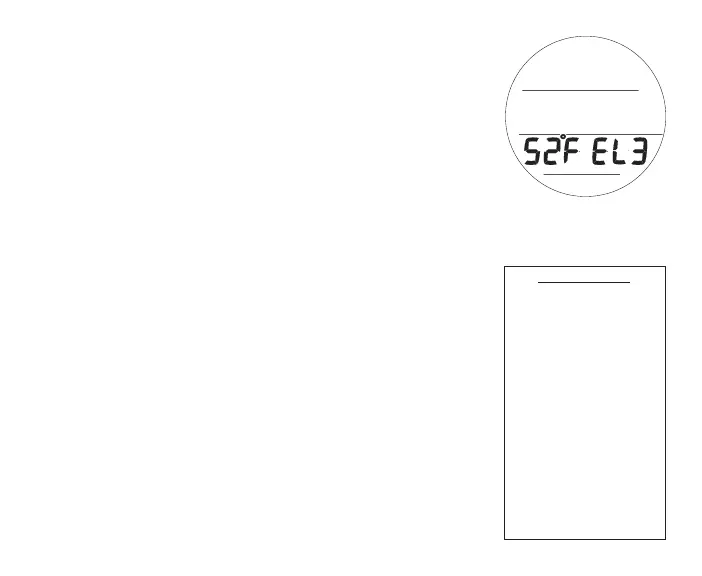
GAUG SURF ALT 2, information includes (Fig.88):
> Temperature with ° icon and graphic F (or C)
> Altitude graphic, if EL2 (to EL7), blank if Sea level
• A (< 2 sec) - to access Fly.
• M (< 2 sec) - to step back to ALT 1.
• L (press) - to activate Backlight.
GAUG SURF MENU
In addition to the Main and ALT screens, the Gauge Surface
Menu provides access to most other selections that are similar to
those described previously for NORM Mode*.
*Refer to pages 40 through 61 for descriptions of those menu items.
Button operations are also similar to those in NORM.
• A (< 2 sec) >> step forward through Menu items.
• A (hold) >> scroll forward through Menu items.
• M (< 2 sec) >> step back through Menu items.
• L (press) >> activate the SmartGlo Backlight.
• M (2 sec) or 2 min (of no button action) >> revert to Main.
Fig.102-GAUGSURFALT2



 To Next Page