61
SERIAL NUMBER
Information displayed on this screen should be recorded and
kept with your sales receipt, it will be required in the event that
your GEO 2 requires factory service.
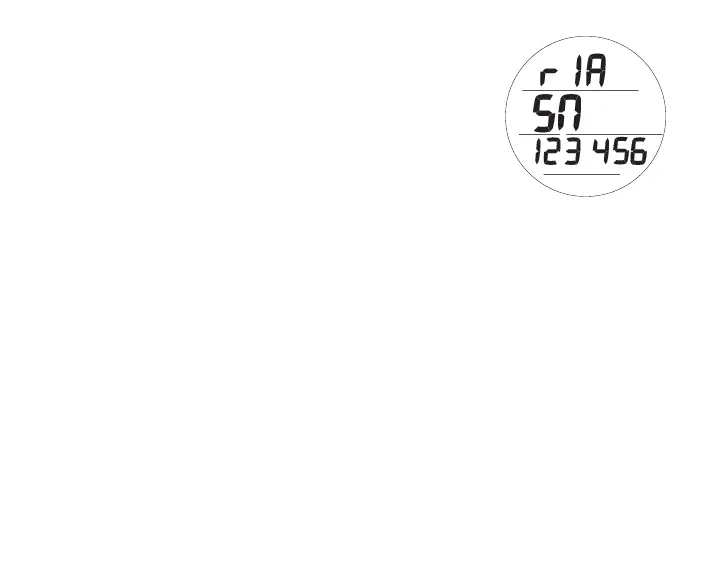
Serial Number, information includes (Fig. 65):
> Graphic r1A (or higher), indicating the revision level of the
firmware (GEO 2's operating software)
> Graphic SN with the factory programmed serial number
• A (< 2 sec) - to step forward to Surface Main.
• M (< 2 sec) - to step back to History 1.
• L (press) - to activate Backlight.
Fig.65-SERIALNUMBER



 To Next Page