58
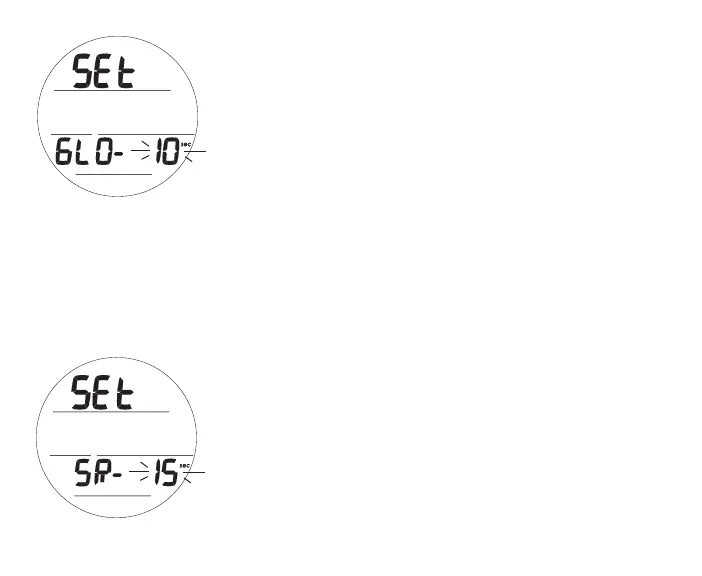
Set Backlight Duration (Glo), information includes (Fig. 59):
> Graphics SEt and GLO -
> Time Set Point flashing with sec icon
• A (< 2 sec) - to step upward through Set Points of 0, 5, and
10 (sec) one at a time.
• M (< 2 sec) - to step back through Set Points one at a time.
• S (< 2 sec) - to save the setting and access Set SR.
• S (2 sec) - to revert to Set CF.
Backlight (Glo) Duration is the time the backlight will remain On
after L is released (0 = no additional time).
Set Sampling Rate (SR), information includes (Fig. 60):
> Graphics SEt and SR -
> Time Set Point flashing with sec icon
• A (< 2 sec) - to step upward through Set Points of 2, 15, 30,
and 60 (sec) one at a time.
• M (< 2 sec) - to step back through Set Points one at a time.
• S (< 2 sec) - to save the setting and revert to Set U Lead-in.
• S (2 sec) - to revert to Set Glo.
Sampling Rate is the frequency at which data is sampled and stored
for download to the OceanLog PC Interface program.
Fig.59-SETGLO
Fig.60-SETSAMPLING



 To Next Page