12
MENU SYSTEM
The LCD viewing area is used to display alpha numeric mes-
sages and measured values as well as Menu type systems for
selection of settings and various auxiliary functions.
There are 10 Menus that include the -
• Watch Menu
• Set T Menu
• NORM Menu
• GAUG Menu
• FREE Menu
• Set F Menu
• Set A Menu
• Set M Menu
• Set U Menu
• Set FA Menu
Each Menu has a start (first) selection and a stop (last) selection.
Upon entering a Menu, movement through it begins at the start
(first) selection, then continues in a rolling manner showing one
selection at a time.
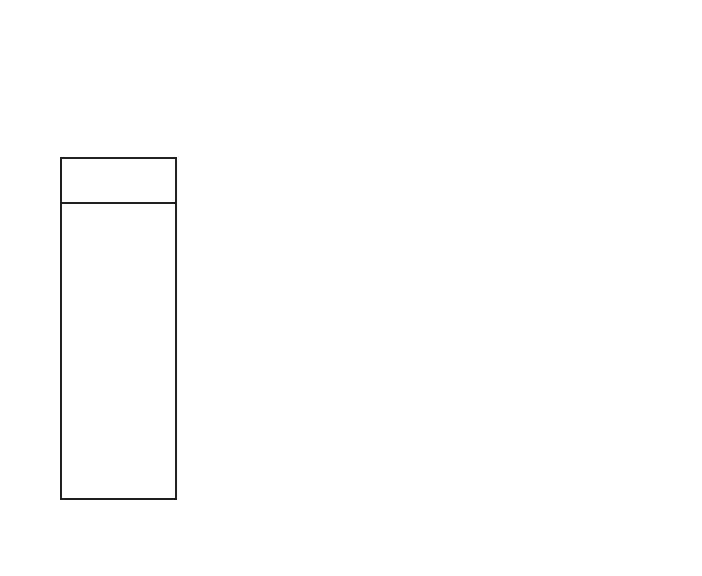
• The sample at the left shows how a menu would look if all
of the selections would be displayed on one screen.
SampleMenu
(allselectionsshown)



 To Next Page