29
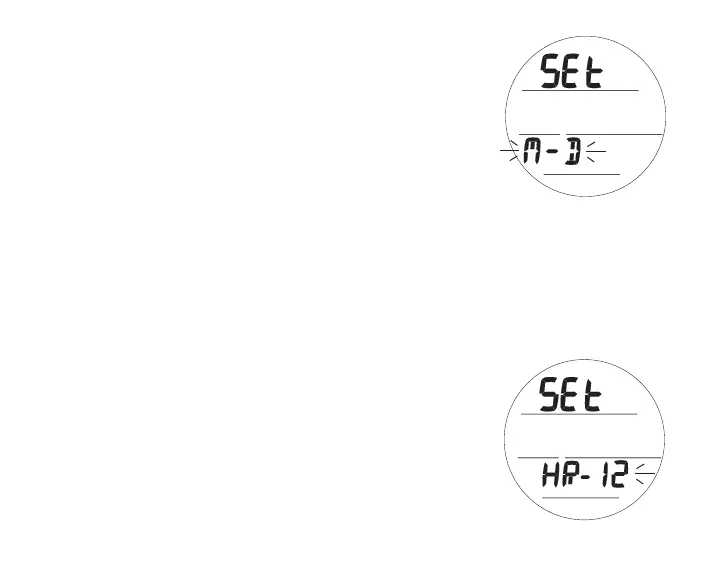
Set Date Format, information includes (Fig. 21):
Date Format establishes the location that the Month (M) digits
are displayed relative to the Day (D) digits, on the left or right.
> Graphic SEt
> Set Point graphics M-D (or D-M) flashing
• A (< 2 sec) - to toggle Set Points.
• S (< 2 sec) - to save Set Point and access Set Hour Format.
• S (2 sec) - to step back to Set T Lead-in.
Set Hour Format, information includes (Fig. 22):
Hou Format establishes number of hours displayed for Time of
Day, 1 to 12 (AM and PM) or 1 to 24.
> Graphics SEt and HR-
> Set Point graphic 12 (or 24) flashing
• A (< 2 sec) - to toggle Set Points.
• S (< 2 sec) - to save Set Point and access Set Watch Default
Time.
• S (2 sec) - to step back to Set Date Format.
Fig.21-SETDATEFORMAT
Fig.22-SETHOURFORMAT



 To Next Page