59
SET M (DIVE OP MODE)
Sequence >> Lead-in >> NOR (or GAU or FRE)
Set Point remains as set until changed.
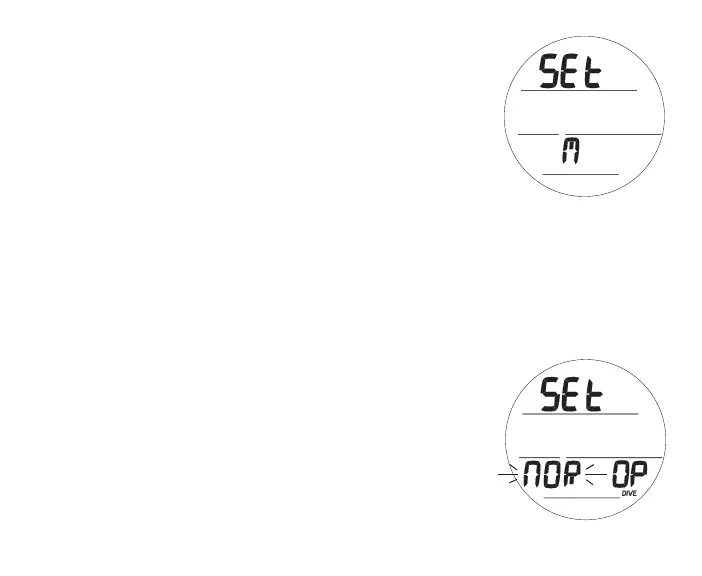
Set M Lead-in, information includes (Fig. 61):
> Graphics SEt and M
• A (< 2 sec) - to step forward to History.
• M (< 2 sec) - to step back to Set U Lead-in.
• S (< 2 sec) - to access Set Dive Op Mode.
Set Dive Operating Mode, information includes (Fig. 62):
> Graphics SEt and OP with DIVE icon
> Set Point flashing
• A (< 2 sec) - to step forward through Set Points of NOR,
GAU, and FRE.
• M (< 2 sec) - to step back through Set Points.
• S (< 2 sec) - to save the setting and access that mode's
Surface Main screen.
• S (2 sec) - to revert to Set M Lead-in.
Fig.61-SETMLEAD-IN
Fig.62-SETDIVEOPMODE



 To Next Page