55
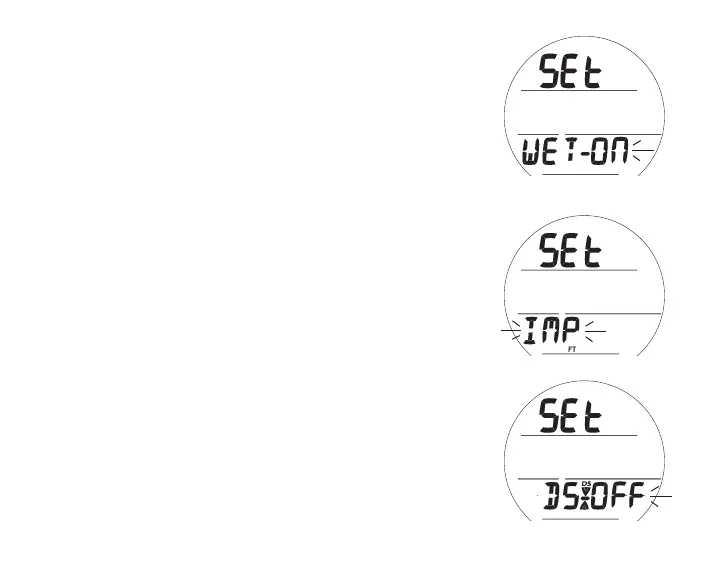
Fig.53-SETWET
ACTIVATION
Set Wet Activation, information includes (Fig. 53):
> Graphics SEt and WET -
> Set Point ON (or OFF) flashing
• A (< 2 sec) - to toggle between ON and OFF.
• S (< 2 sec) - to save the setting and access Set Units.
• S (2 sec) - to revert to Set U Lead-in.
Set Units, information includes (Fig. 54):
> Graphic Set
> Set Point IMP (or MET) flashing with FT (or M) icon
• A (< 2 sec) - to toggle between IMP and MET.
• S (< 2 sec) - to save the setting and access Set DS.
• S (2 sec) - to revert to Set Wet.
Set Deep Stop (DS), information includes (Fig. 55):
> Graphics SEt and DS with DS and Stop arrow/bar icons
> Set Point ON (or OFF) flashing
• A (< 2 sec) - to toggle between ON and OFF.
• S (< 2 sec) - to save the setting and access Set SS.
• S (2 sec) - to revert to Set Units.
Fig.54-SETUNITS
Fig.55-SETDS



 To Next Page