66
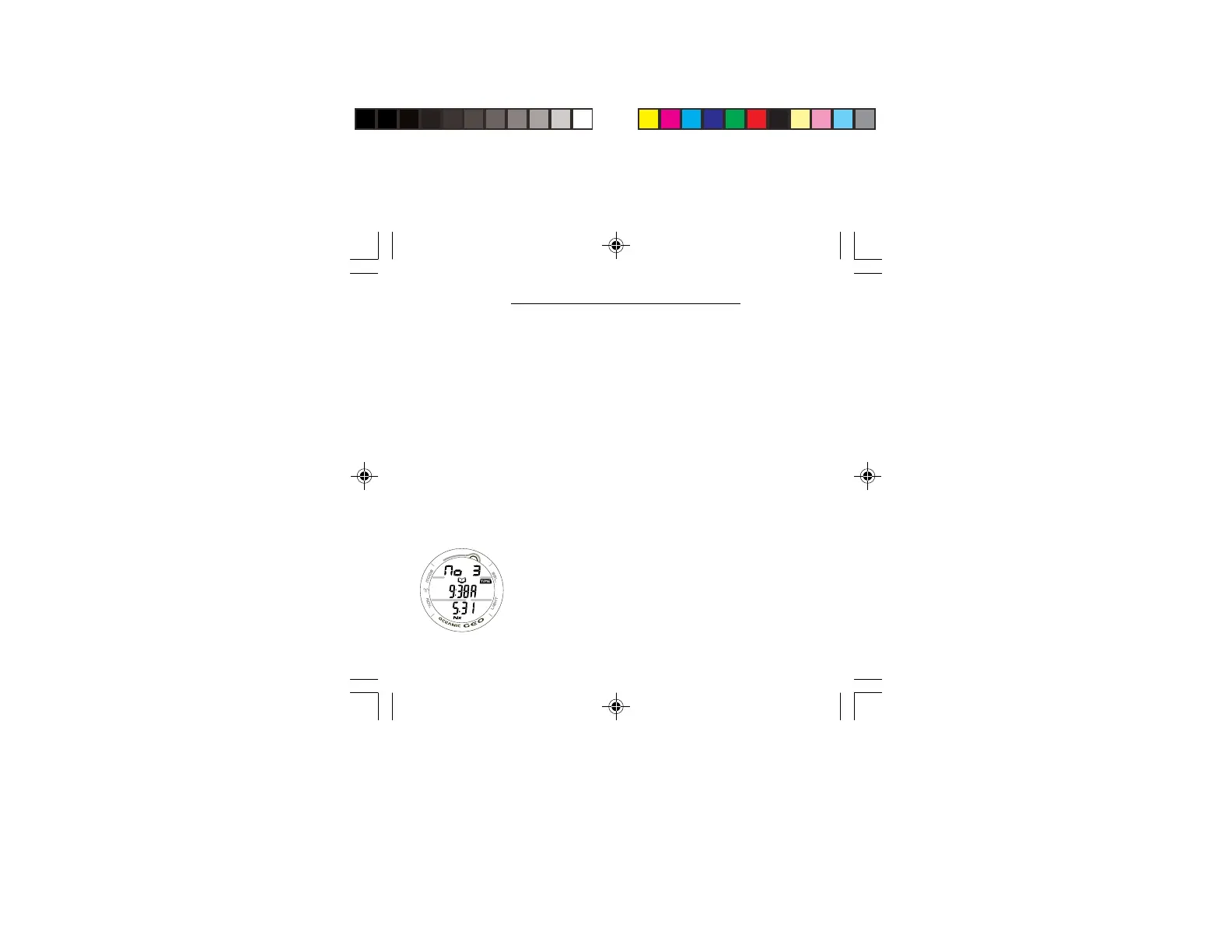
LOG PREVIEW, information includes (Fig. 58):
> Graphic No with the dive number (1 to 24) for that series.
> Log icon.
> Time of Day the dive began (hr:min) with TIME icon, and
graphic A (= Am) or P (= Pm) if set for 12 Hour Format.
This will be the Local Default Time selected, either Main or
Alternate (with lazy 8 symbol if Alternate).
> Date (month.day, or day.month if set for metric).
> Nx icon, if FO2 was set for Nitrox.
• Depressing the S button for 2 seconds will display the
previous dive’s PREVIEW screen. Subsequent 2 second
presses of the S button, or holding it depressed, will step/
scroll through other previous dives' PREVIEW screens.
• Pressing and releasing the S button momentarily (< 2
seconds) while viewing a PREVIEW screen will display
that dive’s LOG DATA 1 screen.
• Pressing and releasing the A button momentarily (< 2
seconds) will advance to the NORM (or GAUG) SURF
MAIN screen.
• Depressing and holding the M button for 2 seconds or if
no button is pressed during a 2 minute period operation
will revert to the NORM/GAUG HISTORY 1 screen.
• Pressing the L button will activate the Backlight.
Fig. 58 - LOG
PREVIEW



 To Next Page