CHAPTER 4
42
Connecting the Odyssey Imager to a Network
7) Use Windows
®
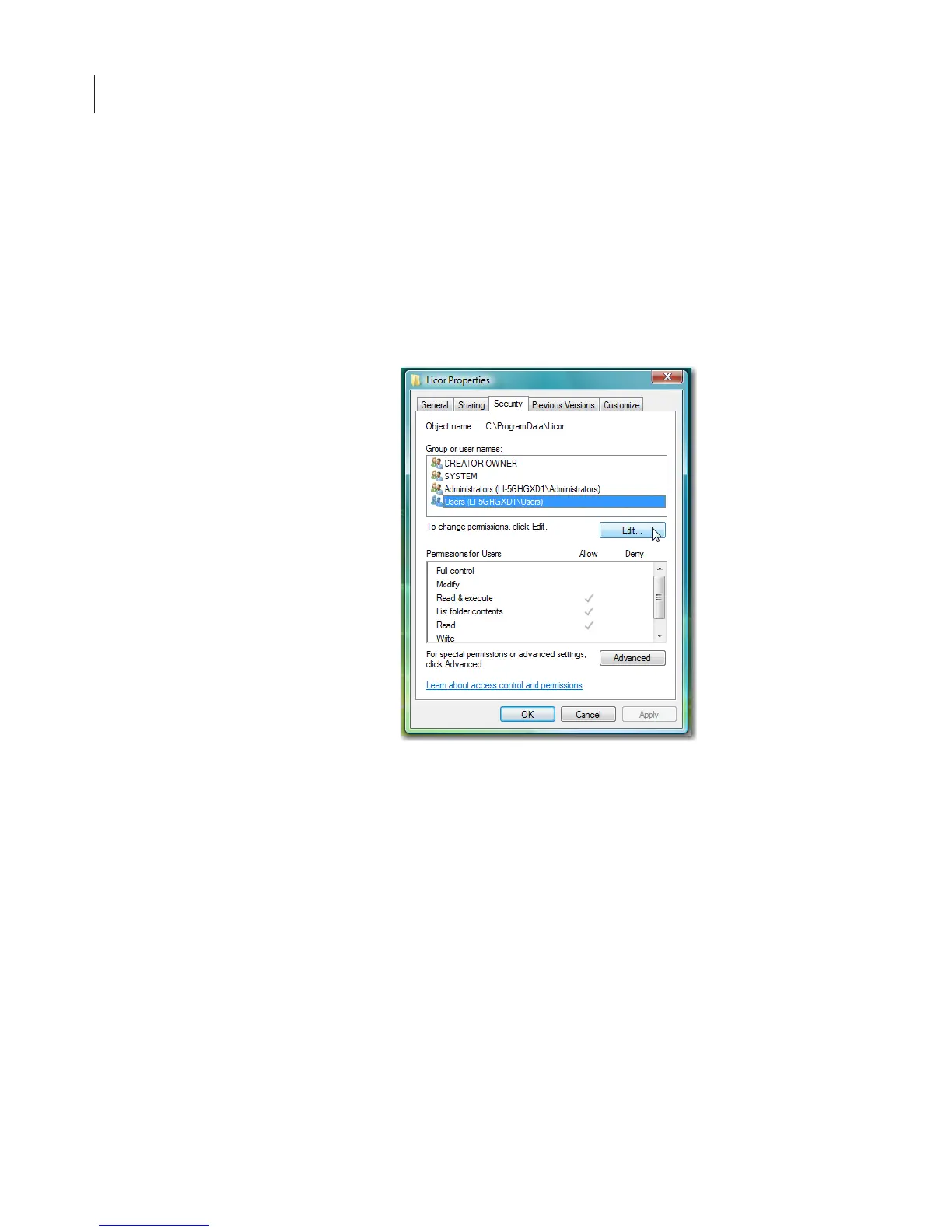
Explorer to find the Licor folder at the following
path: C:\ProgramData.
8) Right click the Licor folder and select Properties from the menu.
9) Select the Security tab in the Licor Properties window.
10)Select any users or groups that will use the Odyssey
®
software
and press the Edit button.



 To Next Page