43
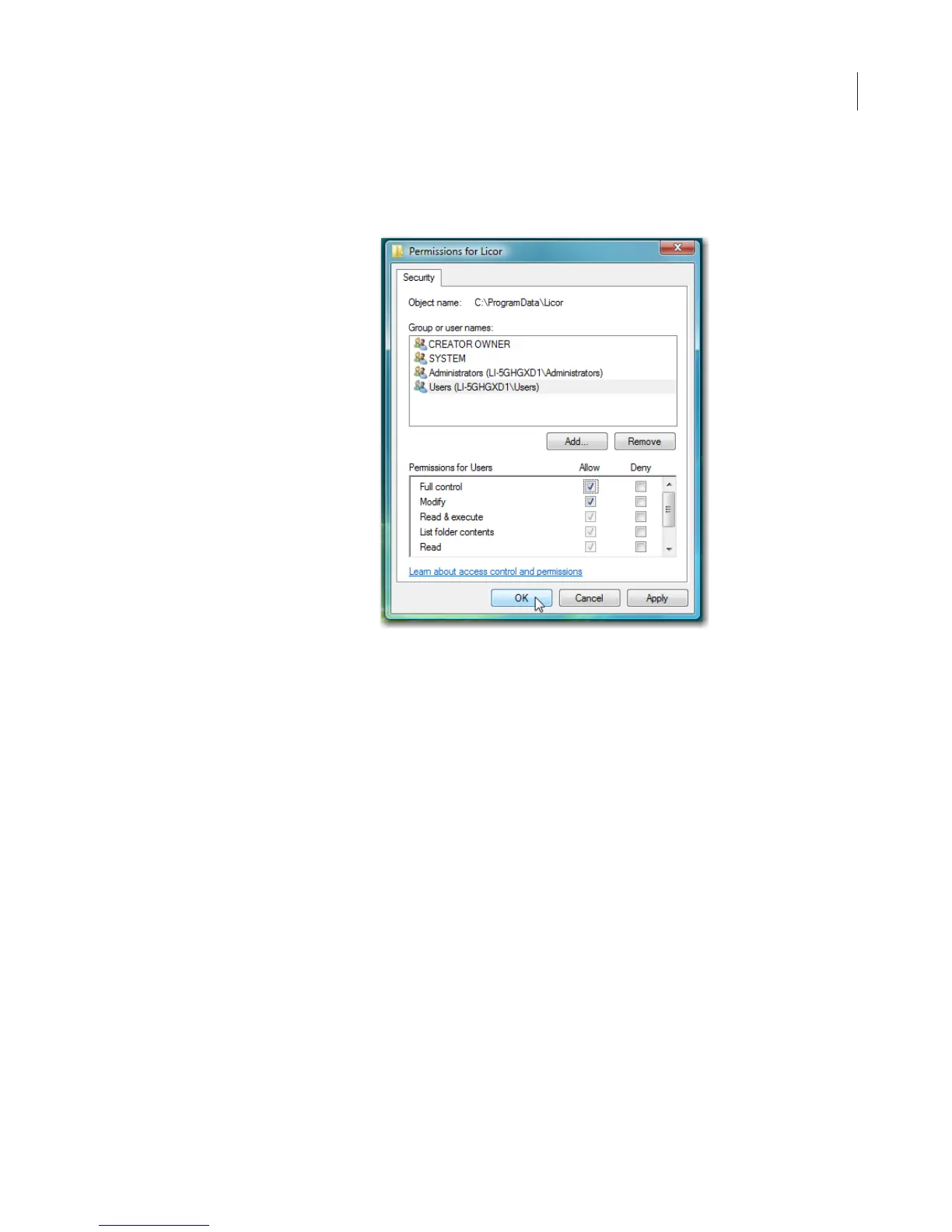
11)Select the same users or groups as in step 10 in the Permissions
for Licor window. Select Full control (Allow column).
12)If there are any account names or groups not shown in the list that
need to use the Odyssey
®
software, click Add.
13)Enter the names of user accounts or groups and click Check
Names. After the user names are verified, click OK to close the
window.
14)In the Licor Properties window, select the names added and then
select Full Control (Allow column).
15)Click OK to close the Licor Properties window and close
Windows
®
Explorer.



 To Next Page