158
Using the provided OLYMPUS Master software
10
Transferring images to a computer
Macintosh
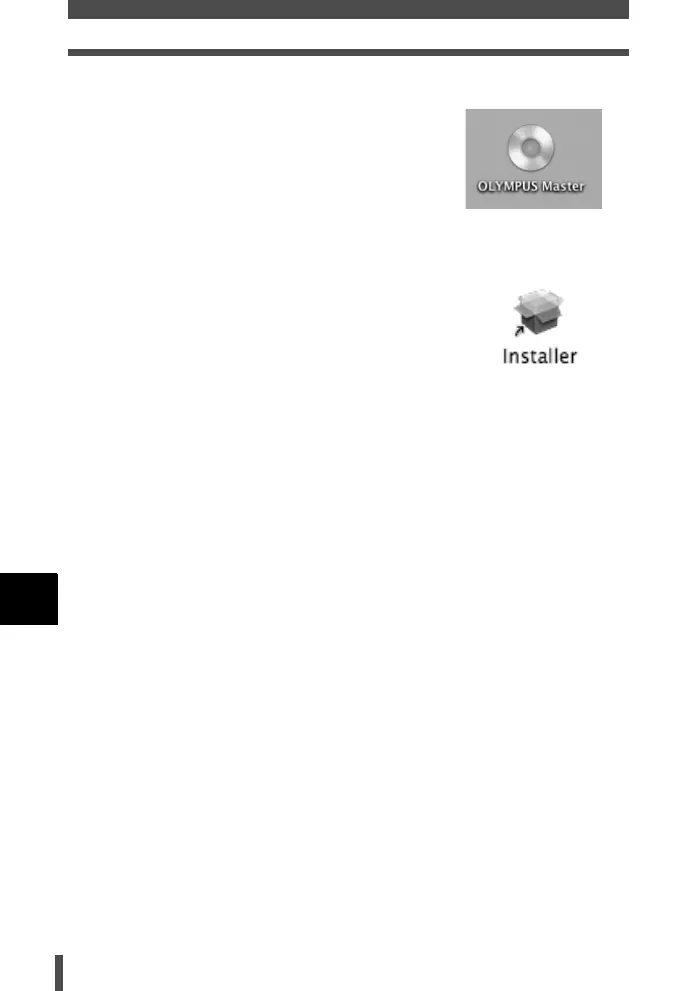
1 Insert the OLYMPUS Master software CD
into your CD-ROM drive.
• The CD-ROM window automatically appears.
• If the screen does not appear, double-click
the CD-ROM icon on your desktop.
2 Double-click on the desired language
folder.
3 Double-click the [Installer] icon.
• Follow the on-screen prompts to continue
installing the program. OLYMPUS Master
Installer will automatically launch.
• When the software license agreement
window appears, read the license agreement
text, then click [Continue] and [Agree].
• A window appears to inform you when
installation is complete.
4 Click the [Quit] button.
5 Remove the CD, then click [Restart].
s0004_e_Advanced.book Page 158 Tuesday, September 27, 2005 4:15 PM













 To Next Page